 EV charging
Your EV charger booking app, your brand
Cabgo gives you the full app — driver and dashboard — so your chargers get reserved in advance: each charger with its power rating and price, paid reservations that guarantee the spot, memberships with preferential rates and a check-in code at plug-in time. You set it up from the dashboard; no coding required.
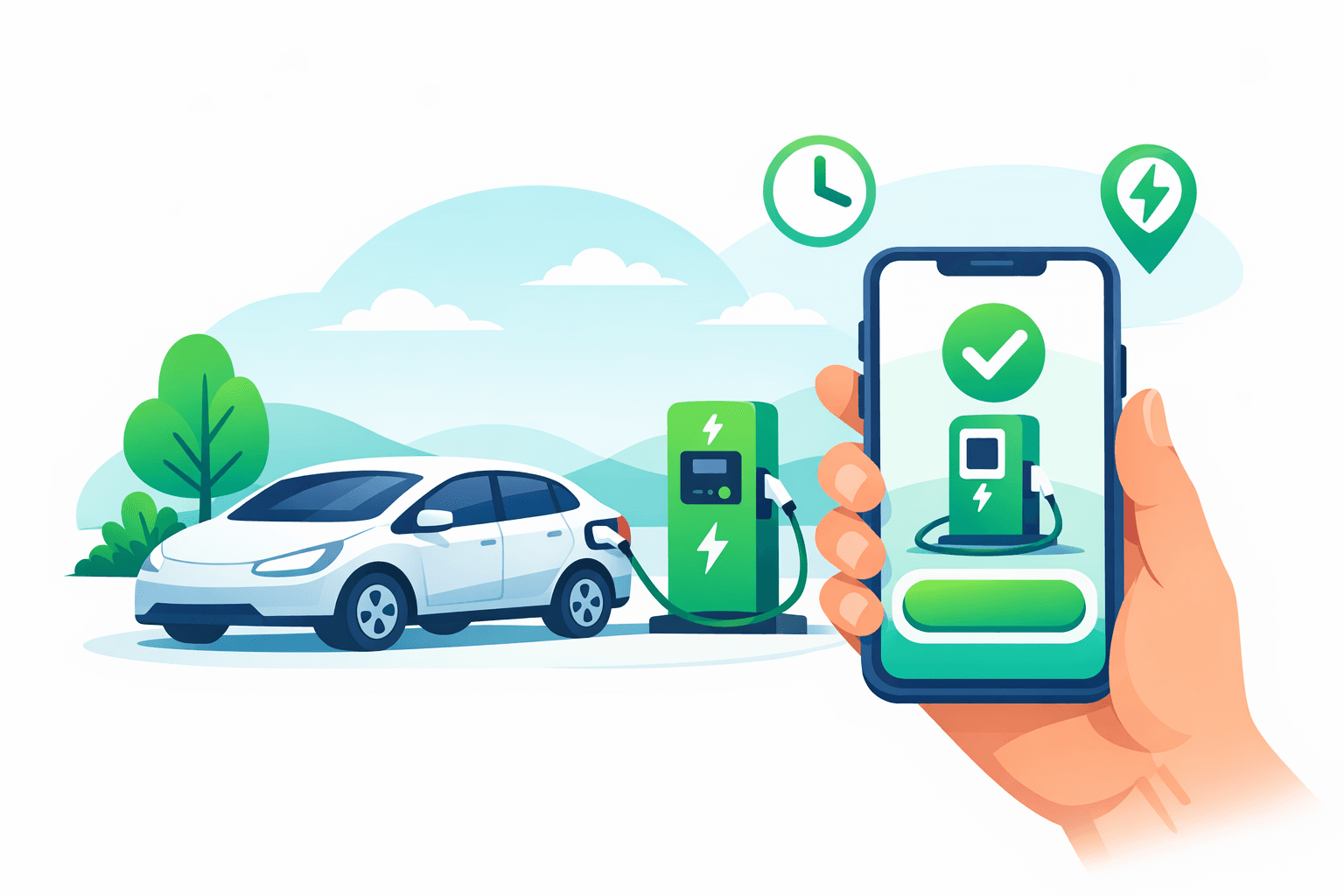
The worst moment of driving an EV is arriving at a station with 8% battery to find both chargers taken — or worse, blocked by a car that finished charging an hour ago. For the operator, the problem is the mirror image: expensive chargers sitting idle for hours because nobody knows when they're free. With Cabgo every charger is a bookable resource: drivers open your app, see your stations, tell the 60 kW fast charger from the 22 kW slow one, and lock in their window by paying upfront — the paid reservation is what guarantees the spot is waiting. Your frequent customers join a membership with a preferential rate, the check-in code confirms who actually showed up to plug in, and your dashboard shows the real utilization of every charging point. Planned energy instead of queues and guesswork.
01 — An app for every role
Same platform, different views depending on who uses it. Each role with its own app and features.
Cliente
La app con la que tu cliente final pide, paga y da seguimiento.
- Explorar y buscar opciones cercanas
- Reserva en segundos desde el celular
- Pago en efectivo, tarjeta o saldo
- Seguimiento en tiempo real
- Historial, favoritos y recibos
- Calificaciones y soporte en la app
Operador
La app del negocio para gestionar catálogo, reservas y personal.
- Catálogo, recursos y horarios propios
- Reservas entrantes en calendario
- Precios, promociones y comisiones
- Gestión de personal y permisos
- Reportes de ventas y ocupación
- Notificaciones automáticas a clientes
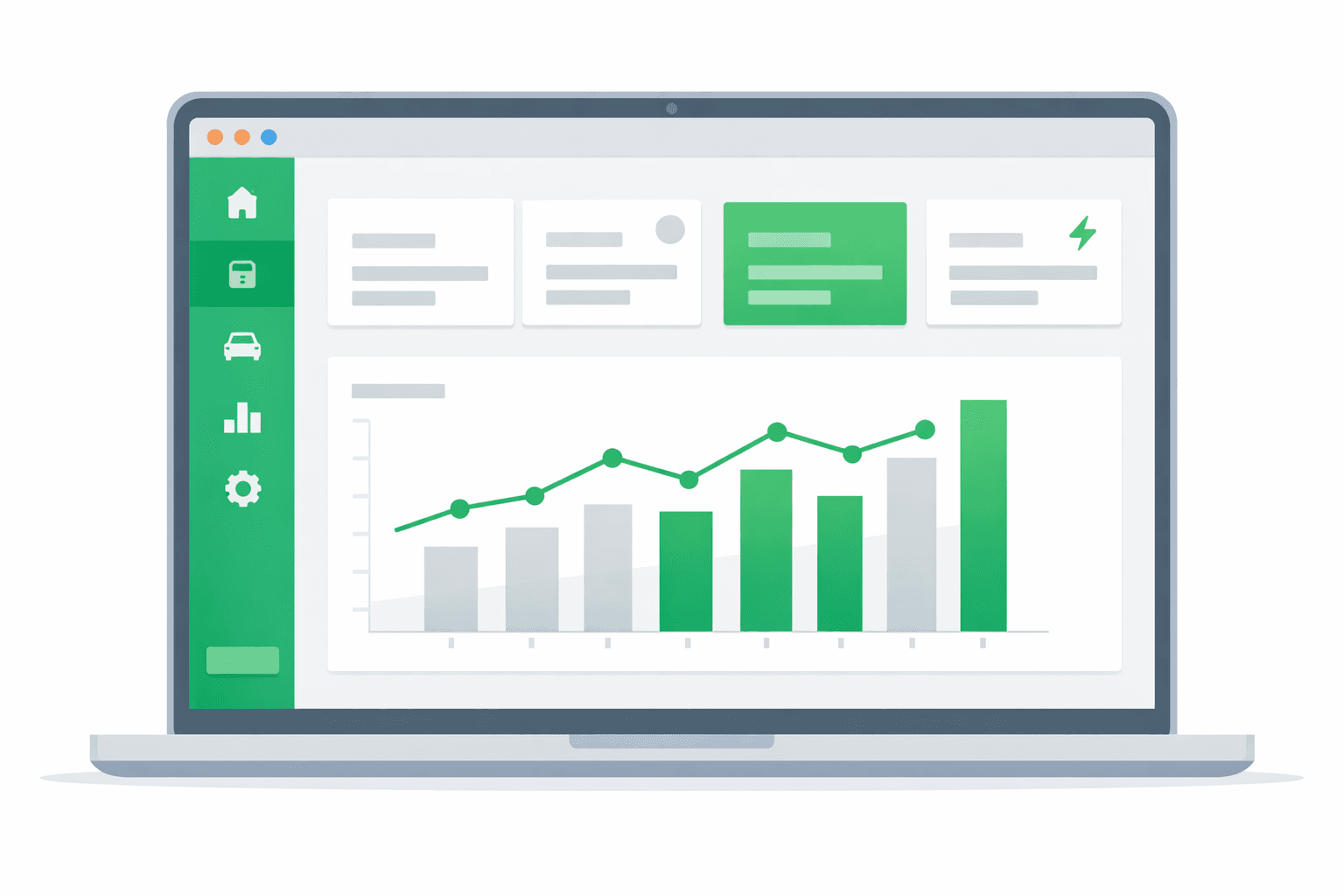
Administrador
El panel web para controlar toda la operación en un solo lugar.
- Panel de control web en tiempo real
- Usuarios, roles y permisos
- Tarifas, comisiones y métodos de pago
- Zonas, cobertura y reglas de negocio
- Métricas, reportes y exportación
- Configuración de marca y notificaciones
02 — Use cases
Independent charging networks
Operators with their own chargers across several locations who want to monetize them with paid reservations instead of first-come queues.
Malls & parking facilities
Shopping centers and parking garages with charging points that want to guarantee a charger to the visitor already on their way.
Fleets & companies
Companies running their own or partner EVs that need to schedule charging windows so the operation never runs out of battery.
03 — What's included
Each charger, a distinct resource
60 kW DC fast, 22 kW AC, CCS or Type 2 connector: each charger is listed with its attributes and price. Drivers pick exactly the one their car needs.
Paid advance reservations
Drivers lock in their charging window by paying upfront. Paid reservations filter out tire-kickers and guarantee the charger is free when they arrive.
Memberships with preferential rates
Your frequent customers pay less per window with the membership you define. Recurring revenue for you, a better price for them.
Card prepayment
Payment happens at booking time, through your gateways. No weatherbeaten card terminals, no chasing payments after the car is gone.
Code check-in at plug-in
On arrival, the driver presents their reservation code and your staff or operation validates it. You know who used each charger and in which window.
No-shows that free the charger
If the driver doesn't show, your configured no-show fee applies and the window is on record. Booking a charger and standing it up stops being free.
Automatic booking reminders
Send active-session reminders and alerts by push and WhatsApp, reducing no-shows.
Segmented promotions with coupons
Create coupons and discounts to fill low-demand slots, targeted to specific customers.
Per-station reviews and ratings
Customers rate each station and leave filterable reviews to choose where to charge.
04 — Built into the platform
Real features already in production that you get from day one — and that we keep expanding every week.
Structured charger catalog
Organize your charging offering by category, with images, filterable tags and a map view.
Daily schedule per station
Each station sees its daily agenda and manages arrivals, no-shows and cancellations from the portal.
Multi-gateway and QR payment
Charge by card, local wallets or in-person cash, depending on the method your customer uses.
Unified prepaid balance
With a single top-up, your customers fund their charging sessions and future services.
Zone-based operation
Define each station's coverage by zone and toggle availability as needed.
Live booking tracking
Each booking's status updates live for customer and station, with no refresh needed.
Ratings and reviews
Customers rate each station and leave reviews that help others choose where to charge.
Coupons and promotions by role
Create segmented coupons and discounts without promos crossing between user types.
Push and WhatsApp notifications
Send confirmations, reminders and updates to your customers by push and WhatsApp.
Multi-language ES/EN/IT dashboard
Operators and customers use the app and dashboard in Spanish, English and Italian.
Team roles and permissions
Assign granular per-module permissions to define what each team member can access.
Reports and export
Filter activity by period and export your data to reconcile revenue and usage.
05 — How it works
- 1
List your chargers
Enable Bookings in the dashboard and register each charger as a resource: location, power rating, connector and price per window.
- 2
Configure rates and membership
Define the reservation price, the preferential member rate, and the no-show fee that protects your windows.
- 3
Drivers book and pay
They open your app, pick a station and charger, lock in a window from the free slots and pay by card. They get their code and a reminder before their time.
- 4
Arrive, validate and charge
They present their check-in code, plug in and charge. Your dashboard shows each charger's schedule: real utilization, revenue and no-shows.
06 — Why Apphive
Your brand, not ours
White-label app on iOS and Android with your name and domain. Your charging network gets its own app, not a page inside someone else's aggregator.
Your rates, your energy
You set the price per window, the reservation cost and the member rate. Cabgo has no opinion on what your kilowatt is worth.
Chargers in use, not blocked
Paid reservations, timed windows and no-shows that cost money: the full model so every charger produces instead of waiting.
Ready today, no development
Configure your whole network from the dashboard — no software team required to have your own charging app.
07 — FAQ
Can drivers tell fast and slow chargers apart?+
Yes. Each charger is listed with its attributes — power rating, connector type, location within the station — and its own price. Drivers see each one's details and book exactly the one their vehicle needs.
Why charge for reservations instead of making them free?+
Because a free reservation commits no one: people book 'just in case' and the charger sits blocked without earning. The paid reservation — at the price you define — guarantees the spot to whoever means it, and the no-show fee covers the window if they still don't come.
How do memberships work?+
You define a membership with a preferential price per charging window. Your recurring customers — locals, fleets, electric taxis — pay less per reservation, and you lock in steady utilization of your chargers.
Can I run several stations in the same app?+
Yes. Each location is listed with its chargers as separate resources, each with its own schedule and price. Drivers pick whichever station is on their way, and you see every schedule in one dashboard.
Does the app control the charger hardware?+
The app manages the business layer: reservations, payments, memberships, check-in and scheduling. Hardware operation stays with your charging system; the check-in code is the key your operation uses to confirm who owns the window before enabling the charge.
Can my customers see their booking status without opening the app?+
Yes. Each booking's status updates live and you can share a tracking link. The customer follows progress without opening the app or refreshing the screen.
What payment methods can I accept for charging sessions?+
You can charge by card through several gateways, local QR wallets and in-person cash recorded in the schedule. You can also offer a unified prepaid balance that funds future sessions.
Can I give different permissions to each member of my team?+
Yes. You set granular per-module permissions so each member accesses only the sections they need. For example, someone can manage the schedule without seeing financial reports.
All in one app, with your brand
One app: combine features
It's the same app. You toggle modules from the panel and combine the capabilities you need — no separate apps and no extra development cost.
08 — Pricing
Every app includes the same capabilities. The monthly plan only sets your cost by service volume.
Monthly plans
Basic
- 300 services included/mo
- $0.05 USD per extra service
- Customer and operator apps + panel
- No limit on drivers or users
Professional
- 1,000 services included/mo
- $0.03 USD per extra service
- Customer and operator apps + panel
- No limit on drivers or users
Enterprise
- 3,500 services included/mo
- $0.02 USD per extra service
- Customer and operator apps + panel
- No limit on drivers or users
Activation trial: $12.99 USD · 100 services included/mo
App Plans (publishing)
One-time payment to build and publish your app to the stores with your brand.
Store costs (third-party accounts, not included)
To publish the app you pay each store's developer account directly to the provider: Google Play $25 USD (one-time) and Apple App Store $99 USD per year. These are Google and Apple charges, not Apphive's. If you publish on Android only, it's just the one-time $25.
Pricing synced with CabGo. May vary by region and taxes.
Launch your ev charging app
Customizable with your own brand, ready to publish on the App Store and Google Play.
Create my app