 Shared rides
Your shared rides app, your brand, your routes
Cabgo gives you the full shared-rides app — rider, driver and dashboard — so you define routes with stops, your drivers publish departures and riders book seats by segment. Pay in person or prepaid; you enable it from the dashboard, no coding required.
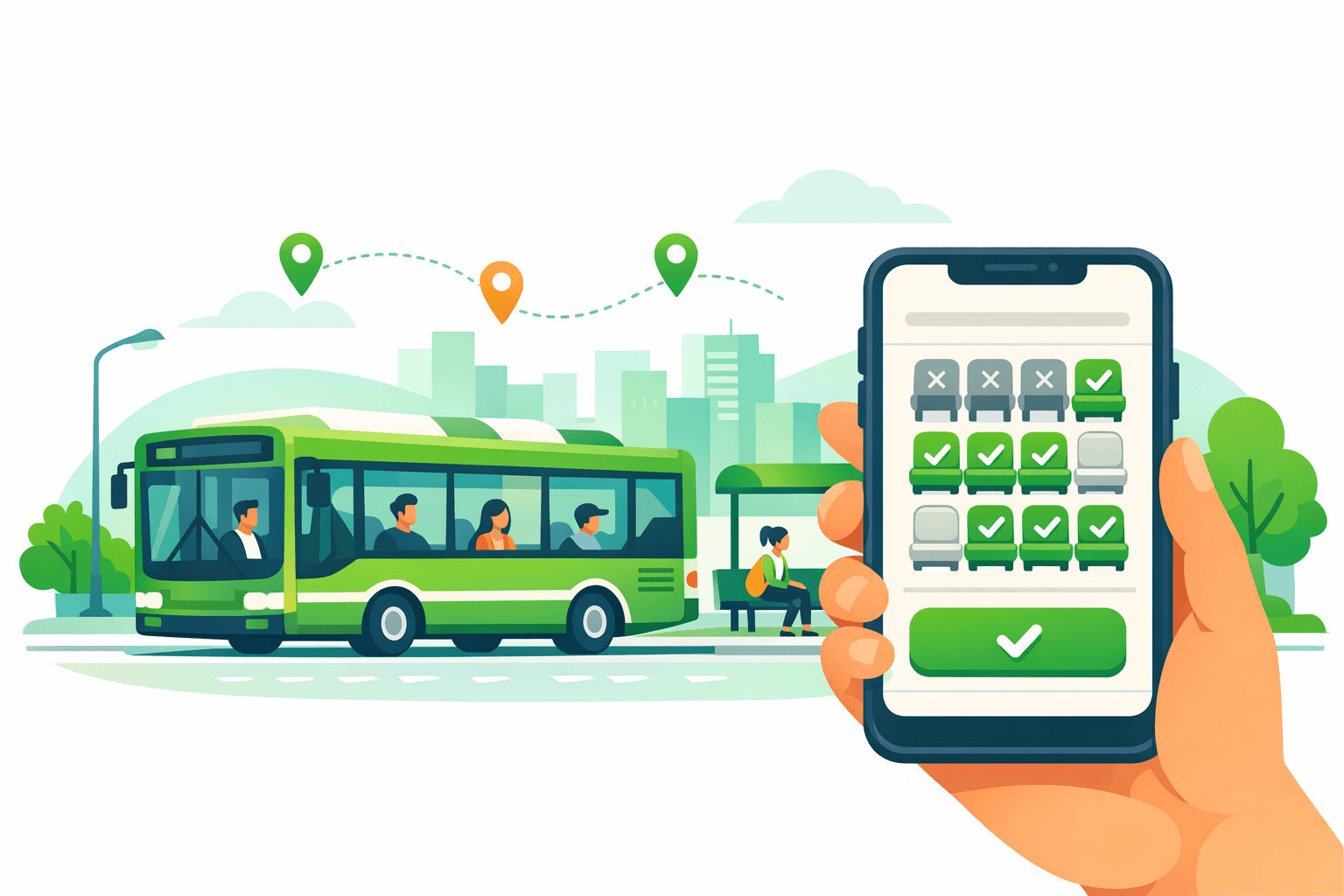
Shared rides bring the BlaBlaCar model into your own operation: instead of an on-demand trip, the flow revolves around routes, departures and seats. From your dashboard you create routes with their stops (Downtown → Terminal → Airport), your drivers publish departures with date, time and vehicle, and the rider books seats for the exact segment they need. Inventory is per segment: the same seat can be sold on the Downtown→Terminal leg to one rider and on the Terminal→Airport leg to another, squeezing every seat. The price is set by the dashboard within a band and the driver can adjust it without leaving that band; payment is configurable and defaults to cash paid in person to the driver. All under your brand, on your domain, coexisting with your other services in a single app.
01 — An app for every role
Same platform, different views depending on who uses it. Each role with its own app and features.
Pasajero
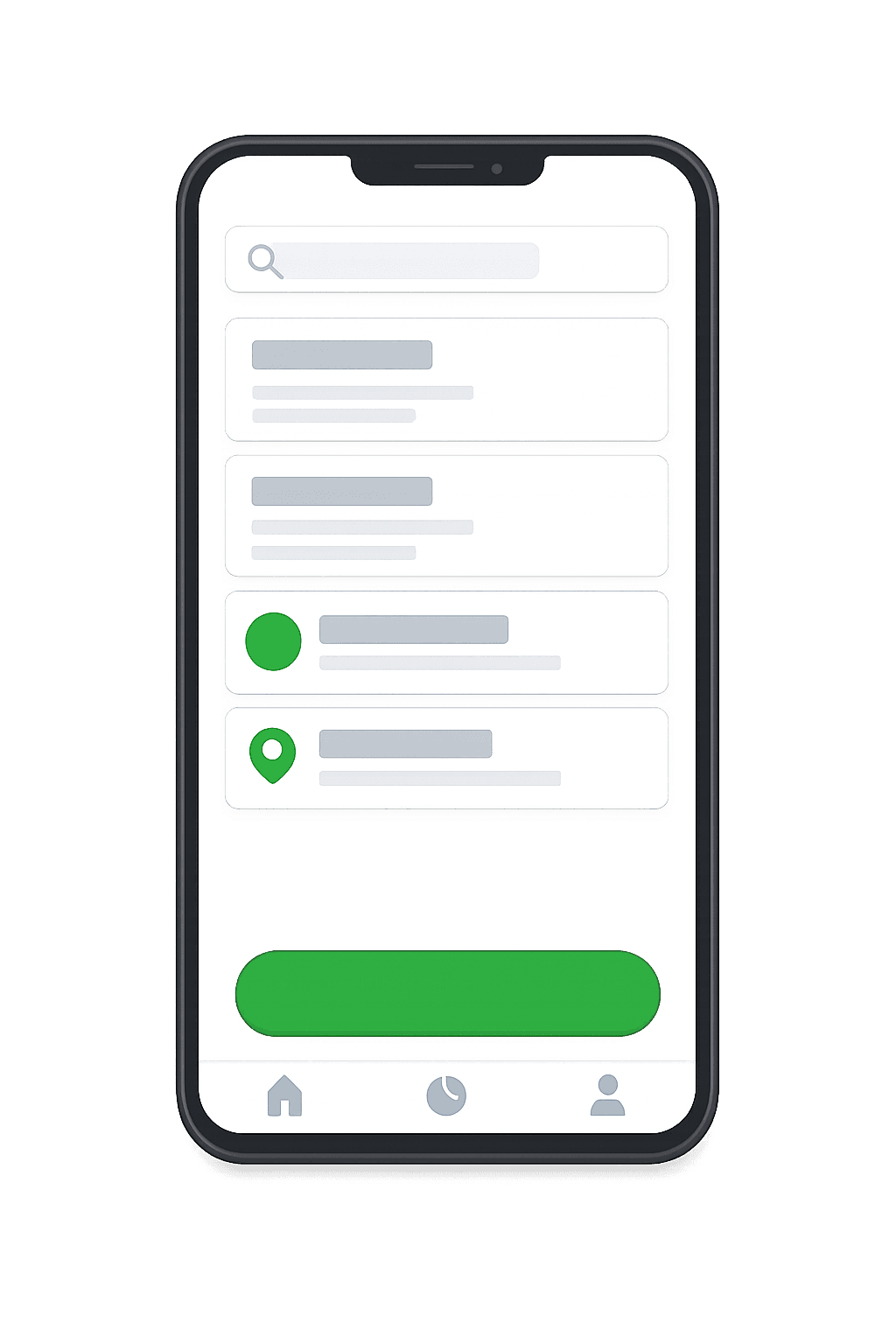
La app con la que tu cliente final pide, paga y da seguimiento.
- Explorar y buscar opciones cercanas
- Solicita en segundos desde el celular
- Pago en efectivo, tarjeta o saldo
- Seguimiento en tiempo real
- Historial, favoritos y recibos
- Calificaciones y soporte en la app
Conductor
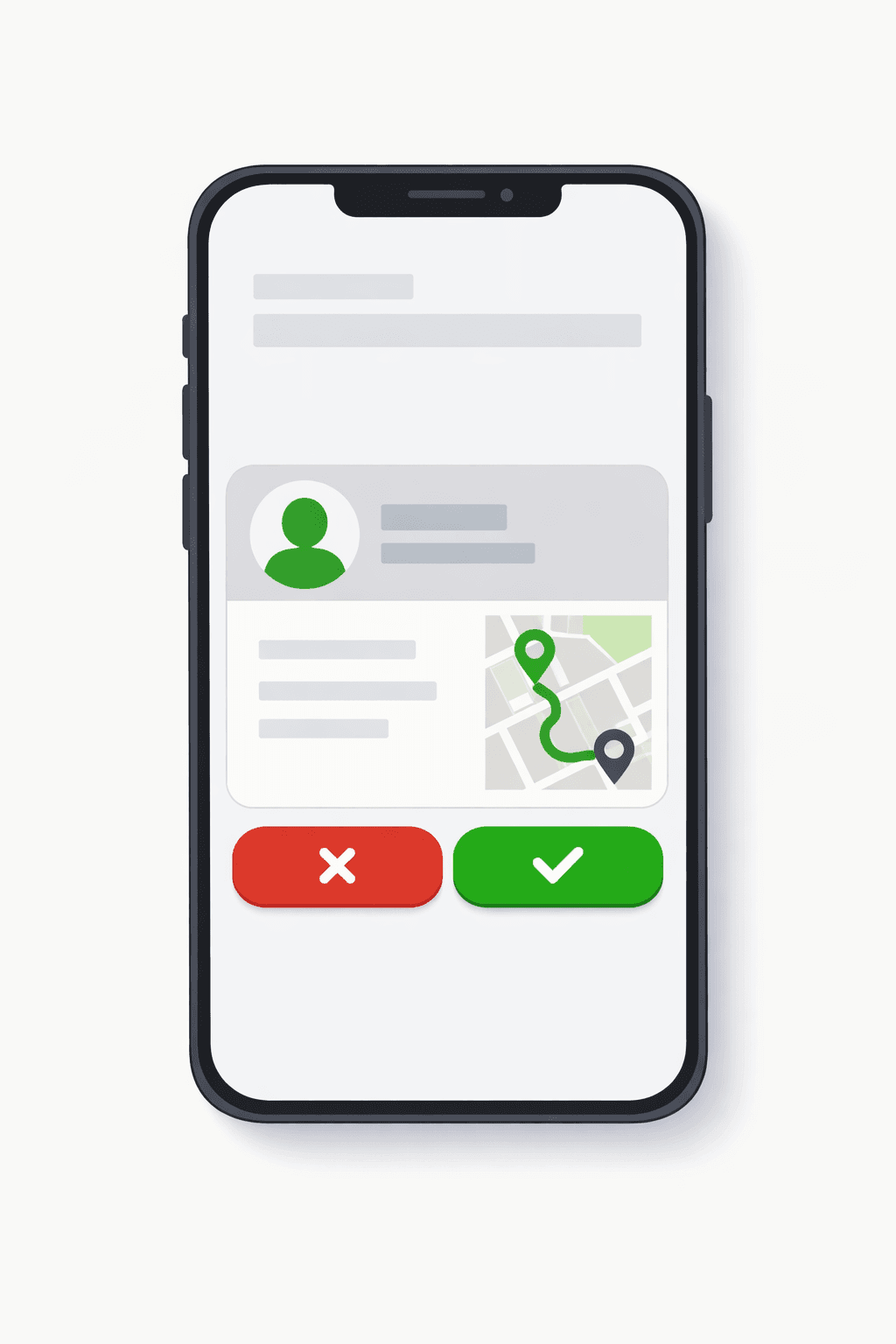
La app del operador que recibe, atiende y cobra cada solicitud.
- Recibe solicitudes cercanas al instante
- Acepta o rechaza con un toque
- Navegación y ruta óptima integrada
- Cambia tu estado (en línea / ocupado)
- Ganancias, liquidaciones y propinas
- Control de disponibilidad y horario
Administrador
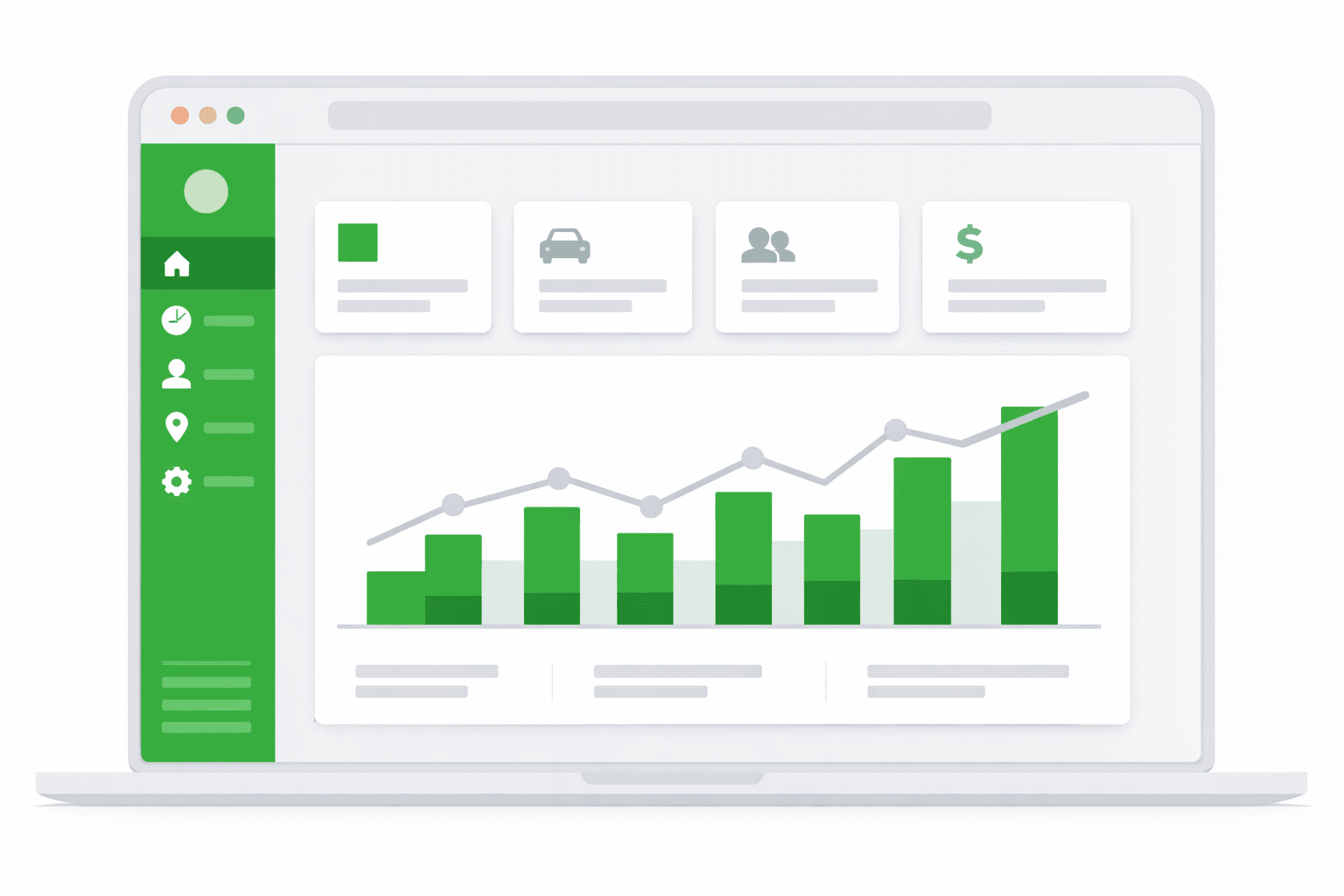
El panel web para controlar toda la operación en un solo lugar.
- Panel de control web en tiempo real
- Usuarios, roles y permisos
- Tarifas, comisiones y métodos de pago
- Zonas, cobertura y reglas de negocio
- Métricas, reportes y exportación
- Configuración de marca y notificaciones
02 — Use cases
Intercity & long-distance routes
Recurring trips between cities or towns with fixed stops, where each rider gets on and off at the leg that suits them.
Rural transport
Communities with little public transport coverage: a daily departure connects the village with the city center and its services.
Airport & event transfers
Scheduled departures to the airport, concerts or fairs, with seats by segment to fill the van at every stop.
03 — What's included
Routes with stops from the dashboard
The admin creates routes and defines their stops in order (Downtown → Terminal → Airport). That stop map is the base for departures and per-segment inventory.
Driver-published departures
On a route, the driver publishes a departure with date, time, vehicle and available seats. Riders see it listed with its schedule.
Seat by segment (per-segment inventory)
A seat isn't sold for the whole departure but by segment: freed the moment a rider gets off, it becomes available again for whoever boards at the next stop.
Admin price with driver override
The dashboard sets the per-segment price within a band (min–max). The driver can tune their departure without leaving that band — you control the range, they fine-tune it.
Pay in person or prepaid, configurable
By default the rider pays the driver in cash on boarding. If you prefer, you enable prepay by card/wallet to lock the seat before departure.
Live departure tracking
The rider sees where the vehicle is relative to their boarding stop and gets alerts at each stage of the departure up to their segment.
Driver approval queue
Approve driver and vehicle sign-ups by service type before enabling them on routes.
Fare by passenger count
Set fares that adjust automatically based on the number of seats taken, ideal for group transfers.
Email and push campaigns
Send email campaigns and push notifications to your passengers from the platform, with the cost deducted from the unified balance.
04 — Built into the platform
Real features already in production that you get from day one — and that we keep expanding every week.
Route manager in dashboard
Create and manage shared routes with a queue to approve new driver sign-ups.
Zone-to-zone fares
Set fares per route between zones and create several prices at once with a batch wizard.
Recurring scheduled trips
Recurring departures open automatically each day, with no manual activation.
Per-route label
Add an optional label to each route to highlight relevant info for the rider.
Shared link tracking
Riders share a live link with family to follow the trip without the app.
Coverage by zones
Define operating reach by zones with configurable assignment and dispatch rules.
Pickup PIN
Riders share a code the driver verifies before starting the trip.
Unified prepaid balance
A single top-up funds notifications, WhatsApp, campaigns and other services.
WhatsApp messaging
Rider WhatsApp messages arrive in the driver's in-app chat.
Route import via Excel
Import and export route prices in Excel in batches, round-trip without data loss.
Role-based coupons
Create segmented coupons so driver promos don't show to riders.
PDF financial reports
Export reports with payment methods, cash and your operation's decimal format.
05 — How it works
- 1
The admin creates the routes
From the dashboard you define each route and its ordered stops, along with the per-segment price band. No code required.
- 2
Drivers publish departures
Each driver picks a route and publishes their departure with date, time, vehicle and seats, tuning the price within the band.
- 3
The rider picks a segment and books
They pick boarding and drop-off stops, see the seats and price for that segment, choose how many seats and book.
06 — Why Apphive
Your brand, not ours
White-label app on iOS and Android with your name, colors and domain. Your riders never see 'Cabgo'.
One more vertical, not another system
Shared rides reuse your fleet, drivers, payments and dashboard. Collective transport is just one more service inside your operation, not a separate product.
Rates within your band
You set the per-segment price range and commission; the driver only fine-tunes within it. You control the business without micromanaging each departure.
Ready today, no development
You enable it and configure routes from the dashboard in minutes, instead of paying months of custom development.
07 — FAQ
How is this different from a normal taxi trip?+
Instead of requesting an exclusive on-demand trip, shared rides revolve around routes and departures: the admin creates the route with stops, the driver publishes a departure and several riders share the same vehicle, each paying only for their segment. It's the BlaBlaCar model inside your app.
Is the seat booked by segment?+
Yes. Inventory is per route segment, not for the whole departure. If a rider only travels from Downtown to Terminal, their seat is freed there and becomes available for whoever boards from Terminal onward. That way the same seat can be sold across several legs of the same departure.
How is payment collected?+
It's configurable. By default the rider pays the driver in cash on boarding, just like a traditional shared ride. If you prefer, you enable prepay by card or wallet so the seat is locked before departure.
Who sets the price, the dashboard or the driver?+
Both, within limits. The admin sets a per-segment price and a band (minimum and maximum) from the dashboard. The driver can adjust their departure's price, but always within that band — you control the range, they fine-tune it.
Who publishes the departures?+
The drivers. The admin creates the routes and their stops; on top of those routes each driver publishes their departures with date, time, vehicle and available seats. The rider just sees the listed departures and books the segment they need.
Can I schedule departures that repeat every day?+
Yes. Recurring routes open automatically every day without you activating them by hand. You just set the schedule and the platform generates the departure on its own. You cut manual work and avoid missed departures on fixed routes.
How do I load many routes and prices at once?+
You can import and export route prices in Excel in bulk, with stable identifiers that let you edit and re-upload without losing data. There's also a wizard to create several route prices at once. Ideal for operations with dozens of legs.
Can family without the app follow my trip?+
Yes. The passenger shares a live tracking link and anyone can see the driver's location from the browser, without installing anything. The link shows progress toward the pickup point and along the route.
All in one app, with your brand
One app: combine features
It's the same app. You toggle modules from the panel and combine the capabilities you need — no separate apps and no extra development cost.


08 — Pricing
Every app includes the same capabilities. The monthly plan only sets your cost by service volume.
Monthly plans
Basic
- 300 services included/mo
- $0.05 USD per extra service
- Customer and operator apps + panel
- No limit on drivers or users
Professional
- 1,000 services included/mo
- $0.03 USD per extra service
- Customer and operator apps + panel
- No limit on drivers or users
Enterprise
- 3,500 services included/mo
- $0.02 USD per extra service
- Customer and operator apps + panel
- No limit on drivers or users
Activation trial: $12.99 USD · 100 services included/mo
App Plans (publishing)
One-time payment to build and publish your app to the stores with your brand.
Store costs (third-party accounts, not included)
To publish the app you pay each store's developer account directly to the provider: Google Play $25 USD (one-time) and Apple App Store $99 USD per year. These are Google and Apple charges, not Apphive's. If you publish on Android only, it's just the one-time $25.
Pricing synced with CabGo. May vary by region and taxes.
Launch your shared rides app
Customizable with your own brand, ready to publish on the App Store and Google Play.
Create my app