 Creative studios
Your studio booking app, your brand
Cabgo gives you the full app — client and dashboard — so your recording booths, photo sets and rehearsal rooms get booked by the hour: each space with its gear and price, a card deposit to lock the session, no-show fees and a live schedule. You set it up from the dashboard; no coding required.
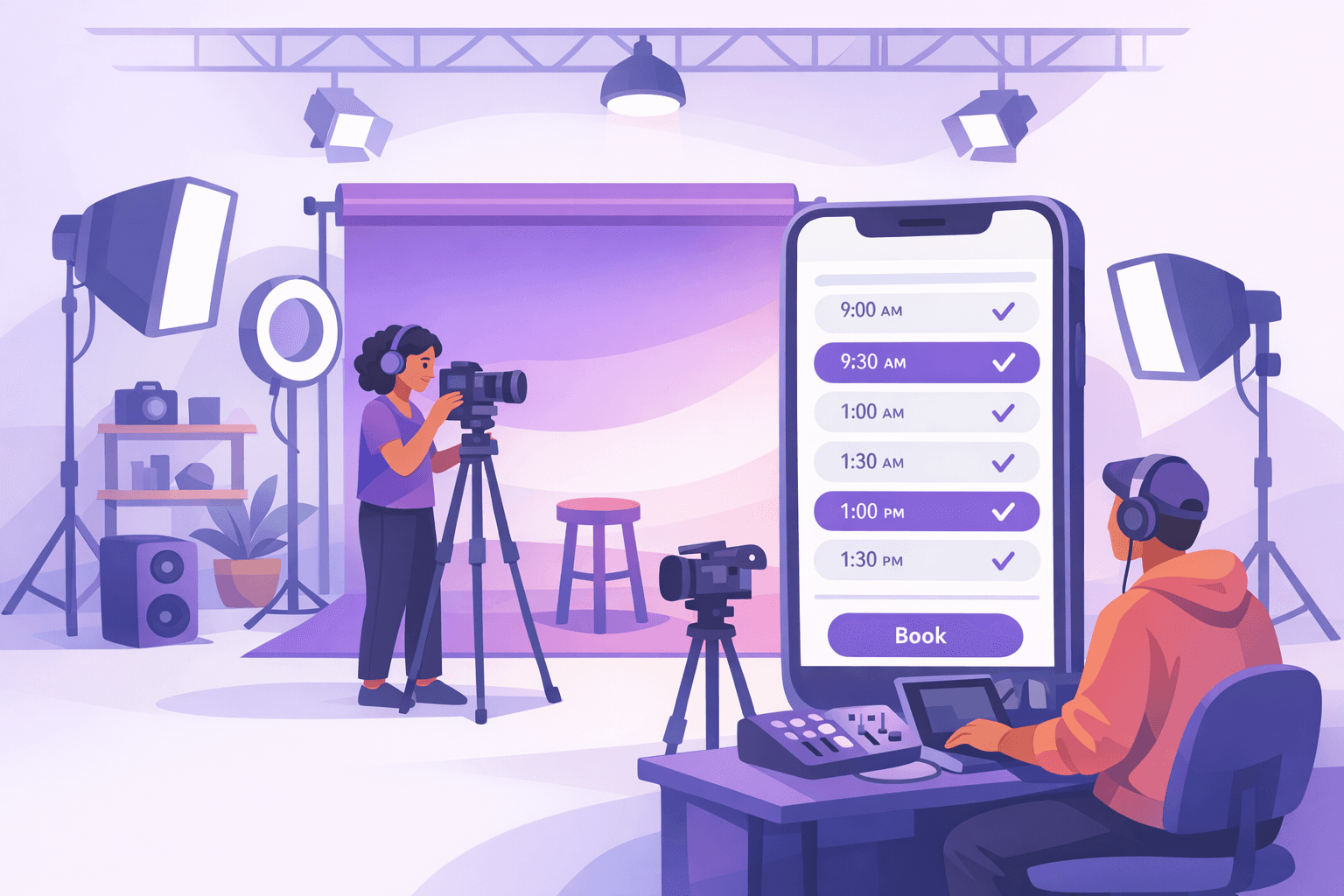
In a studio, a dead hour never comes back: the engineer is paid, the gear is on and the booth is empty. And the cause is almost always the same — the artist who 'confirmed' by text and never showed, or the photo set double-booked across two different chats. With Cabgo every space is a resource with its gear as attributes: booth A with a condenser mic and console, the set with an infinity cyclorama and lights, the rehearsal room with full backline. Clients open your app, see what each space includes, pick their block of hours and pay the deposit by card — the session is actually locked. If they don't show, the no-show fee you defined covers the dead hour. Your schedule lives in the dashboard, not across five WhatsApp threads, and automatic reminders make sessions start on time.
01 — An app for every role
Same platform, different views depending on who uses it. Each role with its own app and features.
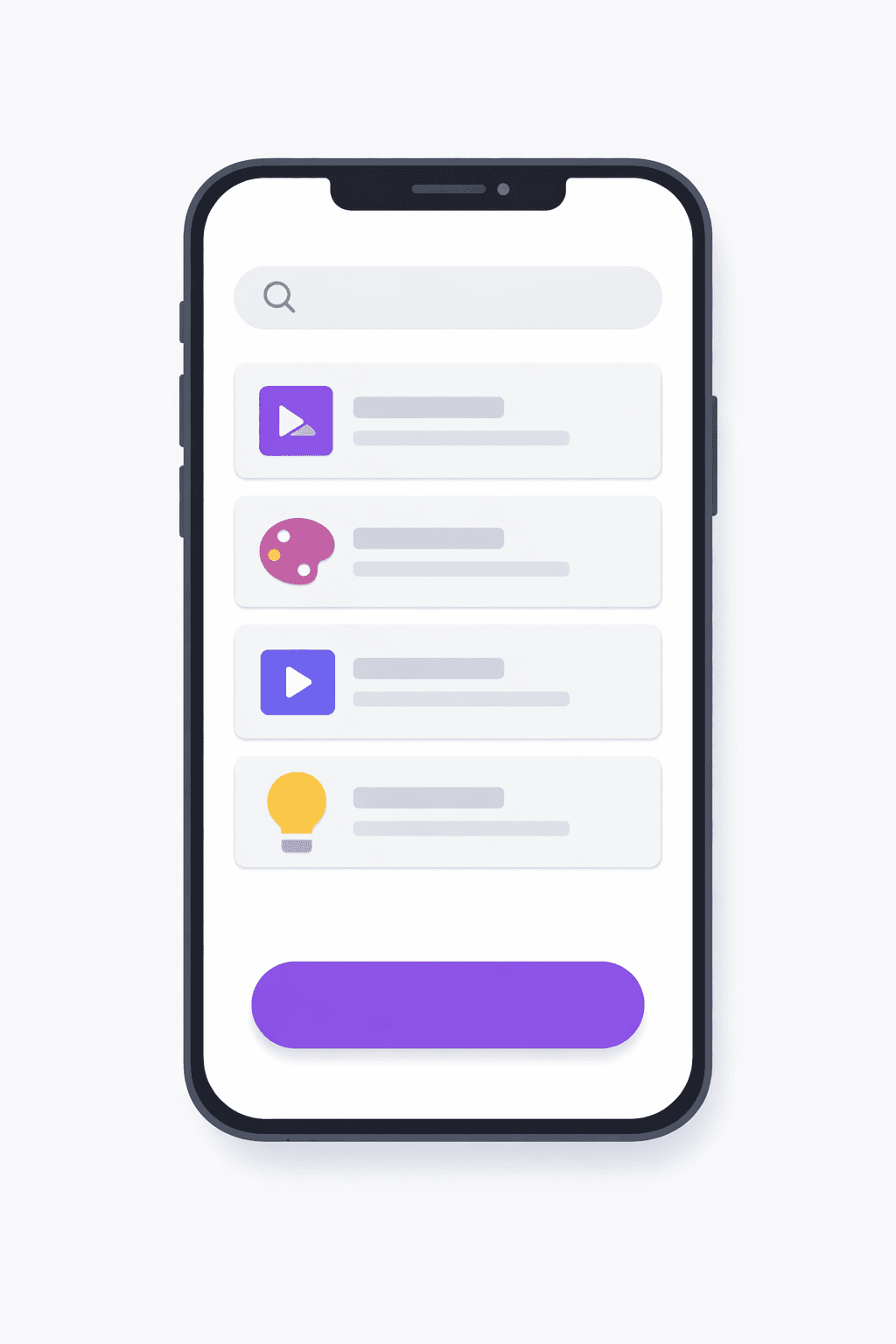
Cliente
La app con la que tu cliente final pide, paga y da seguimiento.
- Explorar y buscar opciones cercanas
- Reserva en segundos desde el celular
- Pago en efectivo, tarjeta o saldo
- Seguimiento en tiempo real
- Historial, favoritos y recibos
- Calificaciones y soporte en la app
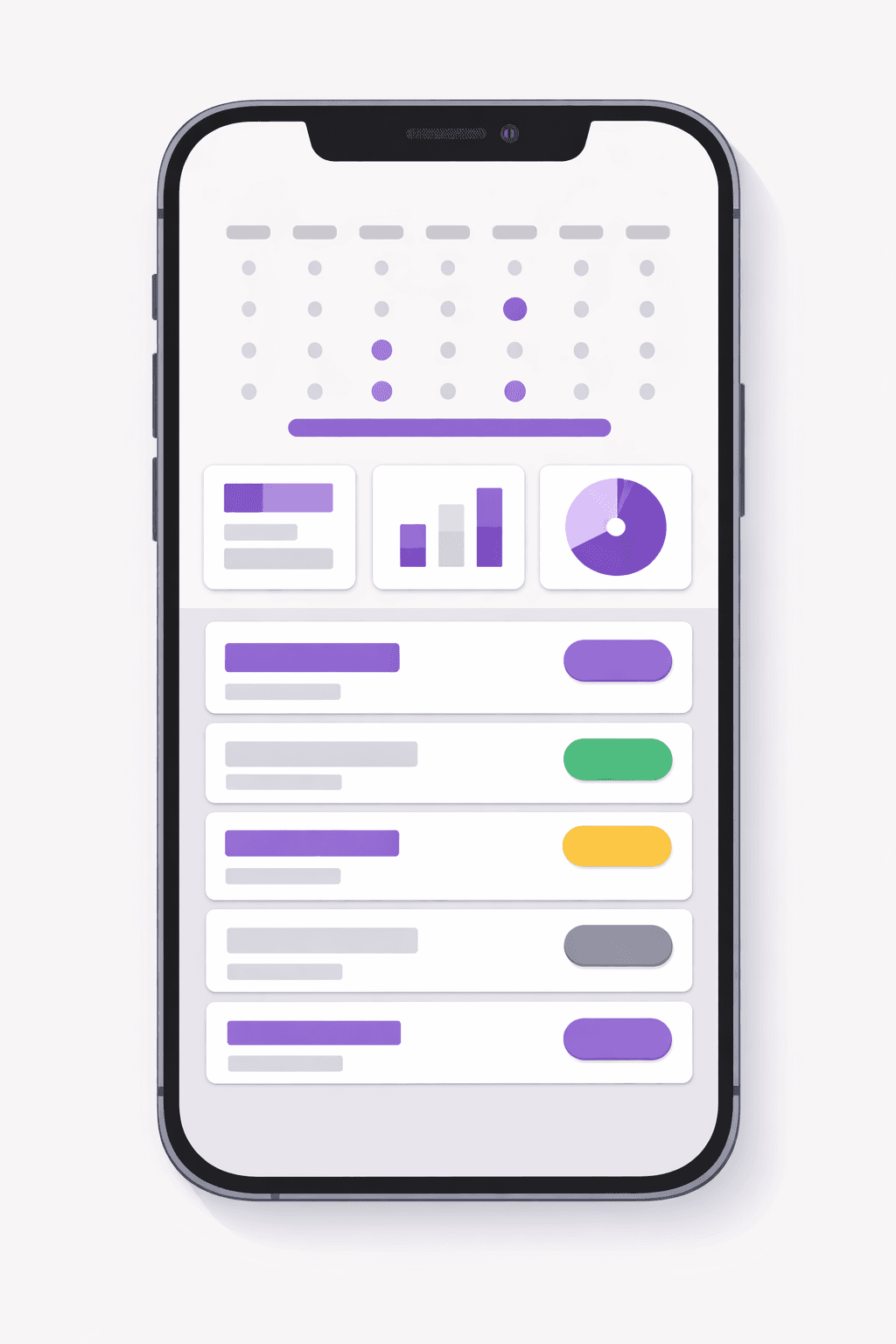
Negocio
La app del negocio para gestionar catálogo, reservas y personal.
- Catálogo, recursos y horarios propios
- Reservas entrantes en calendario
- Precios, promociones y comisiones
- Gestión de personal y permisos
- Reportes de ventas y ocupación
- Notificaciones automáticas a clientes
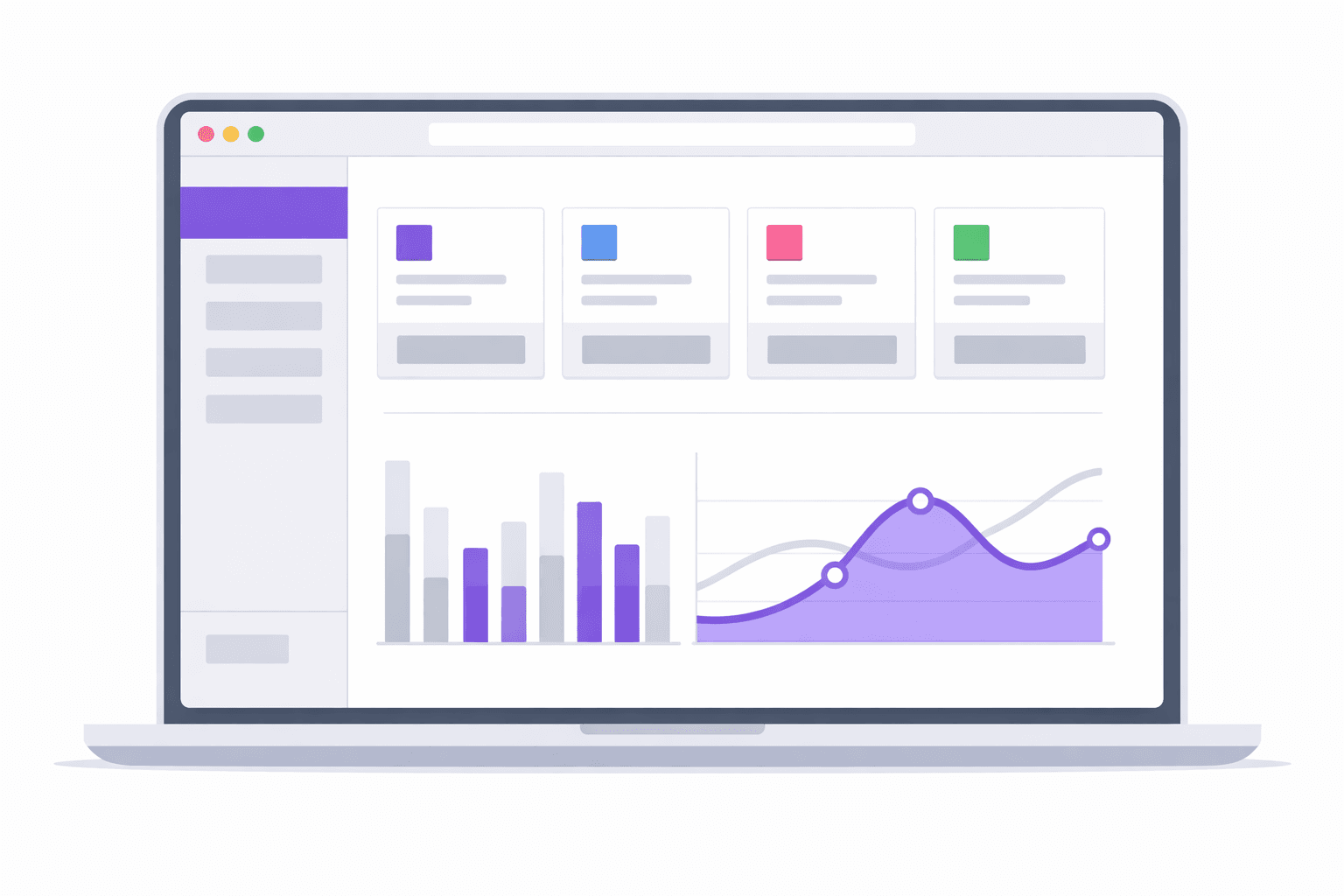
Administrador
El panel web para controlar toda la operación en un solo lugar.
- Panel de control web en tiempo real
- Usuarios, roles y permisos
- Tarifas, comisiones y métodos de pago
- Zonas, cobertura y reglas de negocio
- Métricas, reportes y exportación
- Configuración de marca y notificaciones
02 — Use cases
Recording studios
Vocal booths and mixing rooms rented by the hour to artists, podcasters and producers, with a deposit that protects the session.
Photo & video studios
Sets with cycloramas, lighting and backdrops rented in blocks to photographers, brands and content creators.
Rehearsal rooms
Rooms with backline and PA where bands book their weekly slot — and the studio needs to get paid even when the drummer flakes.
03 — What's included
Gear as attributes
Each space is listed with what it includes: mics, console, cyclorama, backline, lights. Clients know exactly what they're renting before they pay.
Booking by hour or block
One-hour sessions, four-hour blocks or the full day: each space's schedule becomes slots, and clients build their session on what's free.
Card deposit
Clients pay upfront to lock their session, through your gateways. A date held without money doesn't exist — and your schedule stops filling with ghosts.
No-show fee
If the artist doesn't show, the fee you configured covers the engineer's and the room's dead hour. Standing up the studio stops being free.
Per-session check-in code
Clients arrive with their booking code and your staff validates it: which space, how many hours and what they paid. No arguments about who booked what.
Studio schedule + blackouts
See every booth's and set's occupancy in the dashboard. In-house production or gear maintenance? Block those hours with an exception and they don't sell.
Setup from the dashboard
Configure your bookings, spaces and service catalog directly from the dashboard, without relying on support or coding.
Guest mode to browse
Clients can browse your catalog of spaces and services without signing in, and register only when they book.
Membership counter
Offer monthly session bundles with an automatic counter that deducts each booking and keeps the detail even if cancelled.
04 — Built into the platform
Real features already in production that you get from day one — and that we keep expanding every week.
Service catalog
Define and organize your spaces and services so clients book in a structured way.
Pick your professional
The client selects their preferred engineer or photographer during booking.
Memberships with sessions
Sell monthly session packages with an automatic counter that tracks usage.
Products at checkout
Sell studio supplies or merch directly at in-store pickup when booking.
On-site payments
Log on-site payments in the schedule and check each booking's status.
Gallery and map
Each space with an image gallery, filter tags and a location view.
Multi-gateway payments
Charge by card, cash or local wallets depending on your studio's market.
WhatsApp reminders
Notify bookings via push and WhatsApp during daytime to reduce no-shows.
Coupons and promotions
Create role-based discounts and promos to fill the studio's off-peak hours.
Team roles
Assign granular per-module permissions so each member sees only their area.
Reports by period
Analyze revenue and bookings by period from an ES/EN/IT multilingual dashboard.
In-app support
Your team and clients resolve questions via chat with attachments and ticket reopening.
05 — How it works
- 1
List your spaces
Enable Bookings in the dashboard and register each booth, set or room with its gear, hourly price and operating hours.
- 2
Set deposits and rules
Configure the card deposit that locks each session and the no-show fee that protects your hours if the client doesn't come.
- 3
Clients build their session
They open your app, compare spaces by gear and price, pick their hours from the free slots and pay the deposit. They get their code and a reminder.
- 4
Session, check-in and a full schedule
They arrive, validate their code and record. Your dashboard shows the studio's real schedule: paid sessions, free hours and charged no-shows.
06 — Why Apphive
Your brand, not ours
White-label app on iOS and Android with your name and your aesthetic. Your studio is a creative brand — your app should look like one, not like a generic form.
Deposits that protect your hours
Configurable deposits at booking and no-show fees: the full model so a held hour is a paid hour.
One schedule, not five chats
Sessions stop living across WhatsApp, calls and Instagram DMs. Everything comes through your app and lands in one schedule in your dashboard.
Ready today, no development
Configure spaces, prices and deposits from the dashboard in an afternoon — and your studio has its own app without hiring developers.
07 — FAQ
Can I require a deposit to confirm the session?+
Yes — and it's the recommended setup for studios. The booking is paid by card when confirmed, so the date is locked with money rather than words. You can also allow pay-on-site for trusted clients.
How do I show what gear each space includes?+
Gear is captured as resource attributes: mics, console, lights, backline, backdrops. Clients compare spaces by what they include and book knowing exactly what they're renting — fewer questions, fewer surprises on session day.
What happens if the artist doesn't show up?+
Your configured no-show fee applies. The engineer's and the room's hour was already spent — the fee covers it. And since the booking carried a deposit, the incentive to show up was there from the start.
Can I rent a booth, a photo set and a rehearsal room in the same app?+
Yes. Each space is an independent resource with its price, gear and schedule. Clients see all your spaces in the same app, and you see all the occupancy in the same dashboard.
How do I block hours for in-house productions?+
Add an exception to the space's schedule from the dashboard — a few hours, a day or a week — and those slots stop selling in the app. When your production wraps, you release them just as fast.
Can I sell monthly session packages?+
Yes. Bookings support memberships with monthly sessions and an automatic usage counter. Each time the client books, the counter deducts a session, so you track their balance without manual bookkeeping.
How do I charge for the studio rental?+
Charge by card, cash or local wallets depending on your market. You can take a card deposit to lock the session and log on-site payments right in the schedule, seeing each booking's status throughout the process.
Do my clients get a reminder of their session?+
Yes. The booking is announced via push notification and WhatsApp, and proactive messages are sent only during daytime in the client's time zone. This way you reach them at the right moment and reduce no-shows.
All in one app, with your brand
One app: combine features
It's the same app. You toggle modules from the panel and combine the capabilities you need — no separate apps and no extra development cost.
08 — Pricing
Every app includes the same capabilities. The monthly plan only sets your cost by service volume.
Monthly plans
Basic
- 300 services included/mo
- $0.05 USD per extra service
- Customer and operator apps + panel
- No limit on drivers or users
Professional
- 1,000 services included/mo
- $0.03 USD per extra service
- Customer and operator apps + panel
- No limit on drivers or users
Enterprise
- 3,500 services included/mo
- $0.02 USD per extra service
- Customer and operator apps + panel
- No limit on drivers or users
Activation trial: $12.99 USD · 100 services included/mo
App Plans (publishing)
One-time payment to build and publish your app to the stores with your brand.
Store costs (third-party accounts, not included)
To publish the app you pay each store's developer account directly to the provider: Google Play $25 USD (one-time) and Apple App Store $99 USD per year. These are Google and Apple charges, not Apphive's. If you publish on Android only, it's just the one-time $25.
Pricing synced with CabGo. May vary by region and taxes.
Launch your creative studios app
Customizable with your own brand, ready to publish on the App Store and Google Play.
Create my app