 Gyms & classes
Your class booking app, your brand
Cabgo gives you the full app — member and dashboard — so your CrossFit, boxing, yoga or spin classes get booked with controlled capacity: each session with its spots, preferential member pricing, code check-in and a reminder before class. You set it up from the dashboard; no coding required.
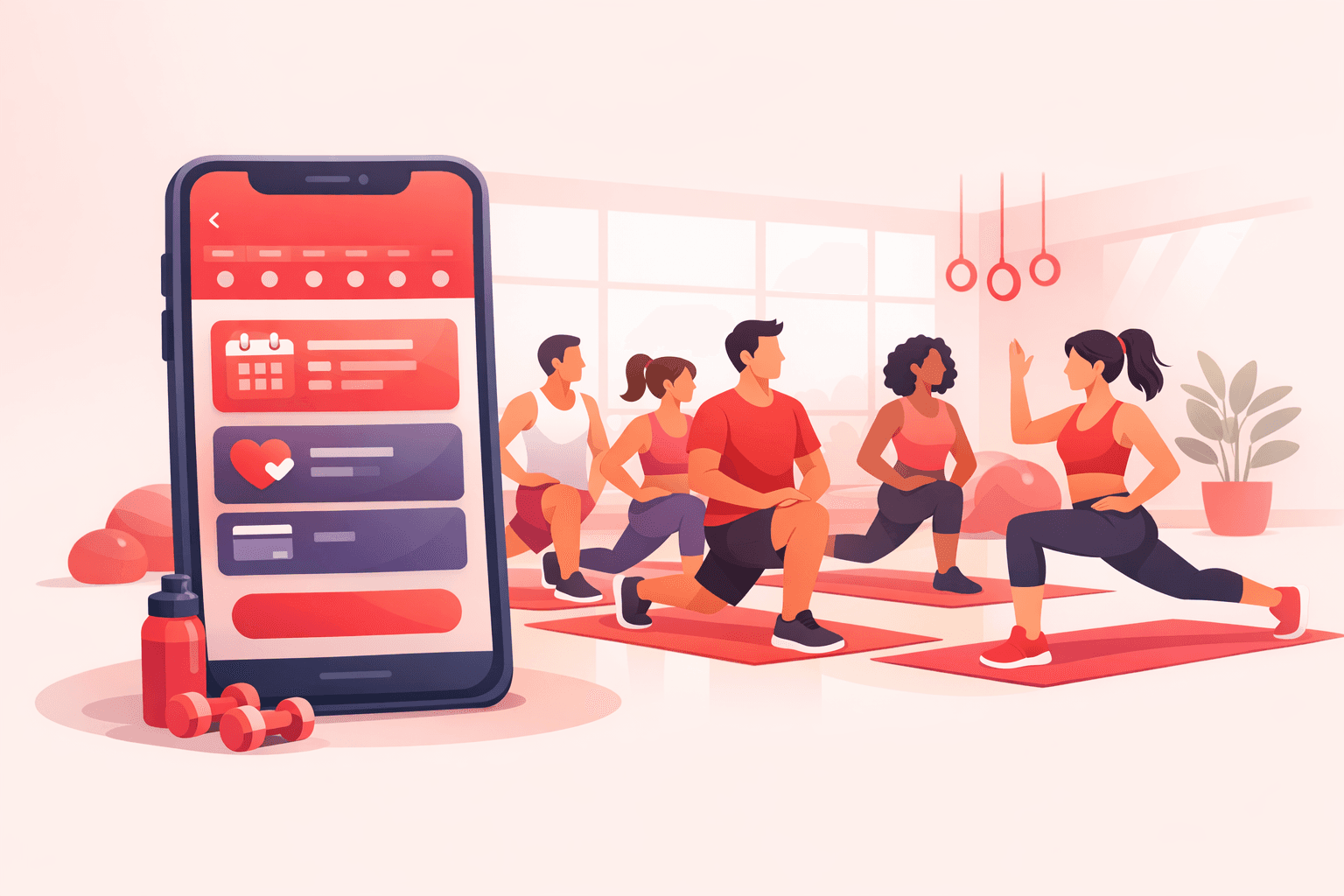
A CrossFit class with 25 people in a space built for 12 is a bad workout; a class with 3 is a coach paid at a loss. The studio's problem isn't selling classes — it's controlling capacity. With Cabgo every class is a slot with a headcount: the 7 PM WOD has 12 spots, and when they're gone, it closes itself. Members see how many spots remain, claim theirs and pay the price that applies: the preferential member rate you define, or the drop-in rate if they come per class. On arrival they check in with their code, and if they booked and didn't show, your configured no-show fee applies. Your coach coaches, your front desk breathes, and your classes fill with exactly the people who fit.
01 — An app for every role
Same platform, different views depending on who uses it. Each role with its own app and features.
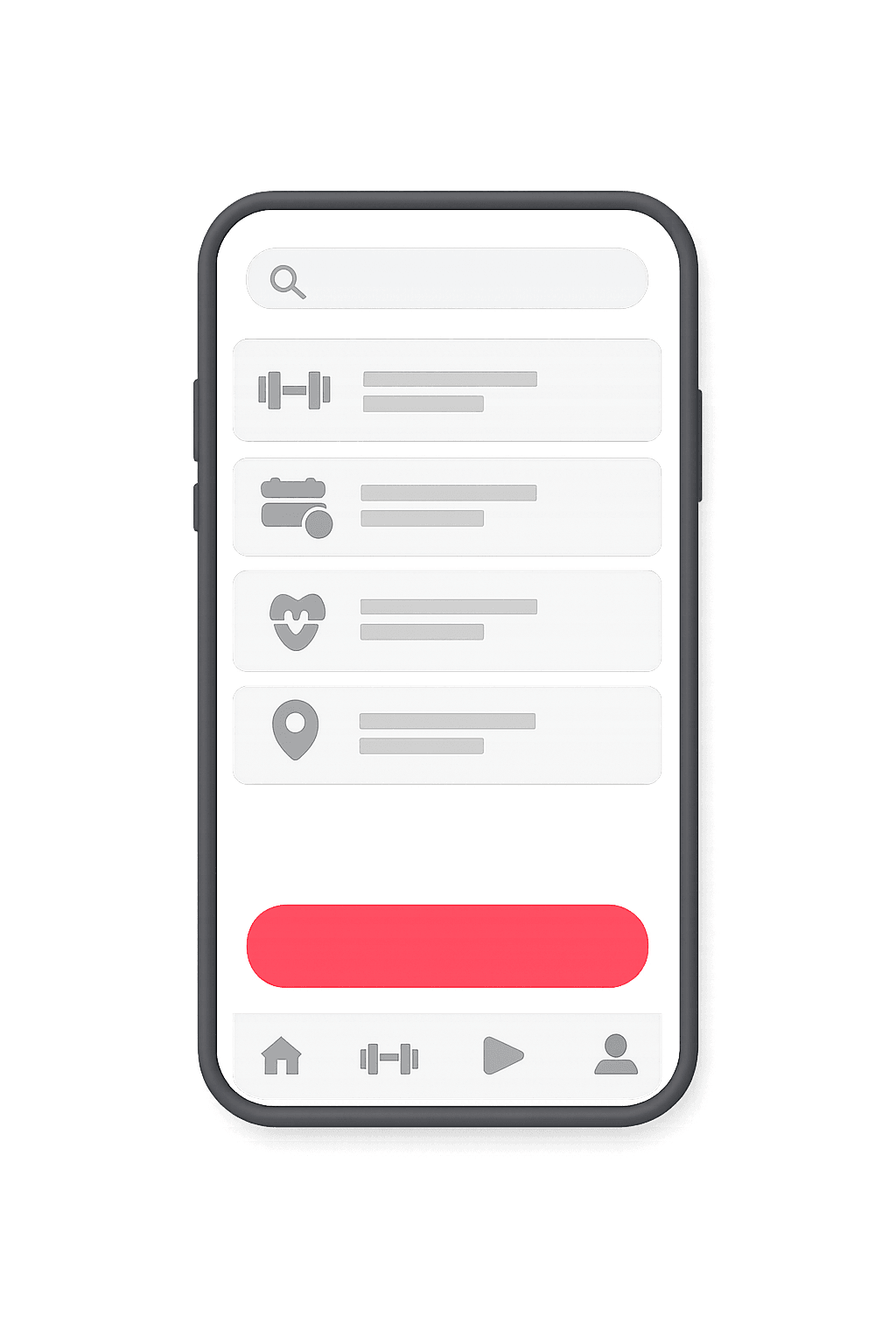
Cliente
La app con la que tu cliente final pide, paga y da seguimiento.
- Explorar y buscar opciones cercanas
- Reserva en segundos desde el celular
- Pago en efectivo, tarjeta o saldo
- Seguimiento en tiempo real
- Historial, favoritos y recibos
- Calificaciones y soporte en la app
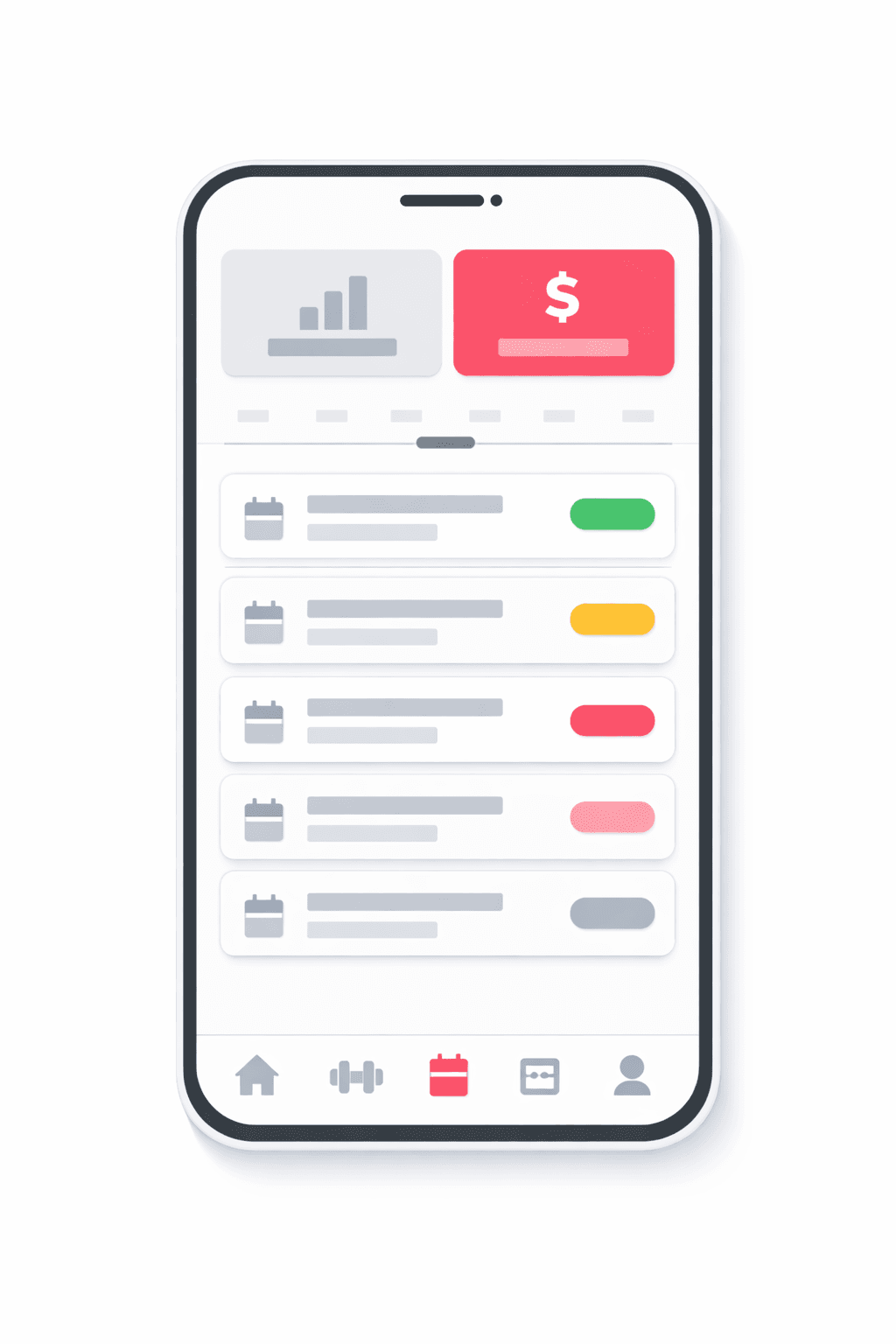
Negocio
La app del negocio para gestionar catálogo, reservas y personal.
- Catálogo, recursos y horarios propios
- Reservas entrantes en calendario
- Precios, promociones y comisiones
- Gestión de personal y permisos
- Reportes de ventas y ocupación
- Notificaciones automáticas a clientes
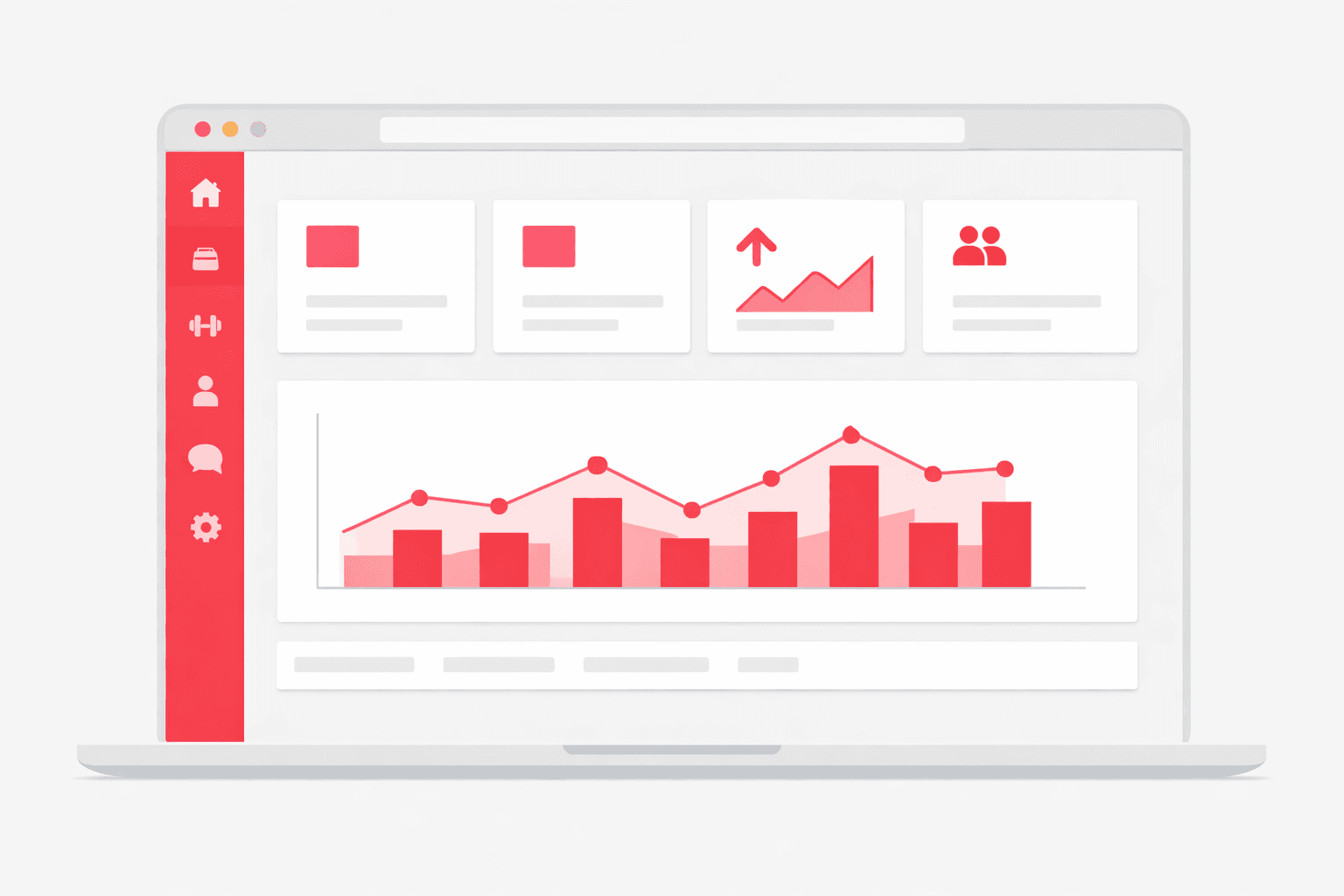
Administrador
El panel web para controlar toda la operación en un solo lugar.
- Panel de control web en tiempo real
- Usuarios, roles y permisos
- Tarifas, comisiones y métodos de pago
- Zonas, cobertura y reglas de negocio
- Métricas, reportes y exportación
- Configuración de marca y notificaciones
02 — Use cases
Boxing & CrossFit
WODs and rounds with hard caps for safety and quality: 12 per class, not one more, with a clear list of who actually booked.
Yoga & pilates
Studios where every mat and every reformer is a counted spot, with students who want to lock in their usual class from their phone.
Spin & functional training
Rooms with numbered bikes or stations: capacity is physical, and overselling means turning people away at the door.
03 — What's included
Per-class capacity, self-closing
Each session has the spots you define. The app shows how many remain and closes the class when it fills — nobody sells spot 13 in a room of 12.
Preferential member pricing
Members see their price and walk-ins see theirs. You define both: $90 per class for members, $150 for drop-ins — the app charges the right one automatically.
Class schedule by time slot
Build your weekly grid — 6 AM WOD, 9 AM yoga, 7 PM spin — and the app turns it into bookable slots with their coach and capacity.
Code check-in
The member arrives and shows their booking code; the front desk validates it in seconds. You know exactly who came, who skipped, and to which class.
Prepay or pay at the desk
Charge the class by card at booking time, or let them pay on arrival — you pick the rule. Prepayment fills classes for real: a paid spot is a taken spot.
Pre-class reminder
The app pings members before their session. Fewer 'I forgot's, fewer burned spots, and a configurable no-show fee for whoever still doesn't make it.
Post-class review
Members rate the instructor and class when it ends, and you see the score in the dashboard.
Schedules and special days
Set your operating hours, regular days and special dates such as holidays.
Discount coupon
Run promotions with coupons for classes or memberships, with expiry and usage limits.
04 — Built into the platform
Real features already in production that you get from day one — and that we keep expanding every week.
App with your brand
Your gym with its own logo, colors and name on the App Store and Google Play.
Live web dashboard
See the day's bookings, arrivals, no-shows and cancellations in real time, no refresh.
Session-based membership
Monthly memberships with a session quota and an automatic counter of each member's usage.
Pick your instructor
The member picks their preferred instructor during the booking process.
Card and cash
Charge for classes and memberships with multiple gateways, local wallets or cash at the desk.
Member prepaid balance
Members top up a balance and pay for bookings instantly from the app.
WhatsApp reminders
Class reminders and confirmations via WhatsApp and push to cut no-shows.
Reviews per class
After the session, members rate and review the instructor and the class.
Coupons and promos
Create discount coupons for classes or memberships, with expiry and usage limits.
Team roles
Per-module permissions so each receptionist or coach only accesses what they need.
Reports and export
Filter revenue and attendance by period and export to Excel or PDF.
Class catalog
Organize disciplines into categories with image, description and filters for easy browsing.
05 — How it works
- 1
Build your class grid
Enable Bookings in the dashboard and list each class with its schedule, capacity and price: a 12-spot WOD at 7 PM, an 8-spot yoga at 9 AM.
- 2
Set member and drop-in prices
Configure the preferential price for members and the drop-in rate, plus a no-show fee if you want to protect your capacity.
- 3
Members claim their spot
They open your app, see the grid with each class's remaining spots, claim theirs, pay their price and get a reminder before training.
- 4
Check-in and a full class
At the door they show their code and walk in. In your dashboard you see each class's real attendance — and who earned the no-show fee.
06 — Why Apphive
Your brand, not ours
White-label app on iOS and Android with your name and colors. Your members book in YOUR studio's app, not a generic gym platform.
No third-party per-member fees
Fitness platforms charge per member or per booking. Here the prices, members and data are yours — Cabgo never gets between you and your community.
Capacity and no-shows under your control
You decide how many fit in each class, what skipping costs, and who gets member pricing. The rules are configuration, not negotiation.
Ready today, no development
Your full grid is configured from the dashboard in an afternoon — no custom app bill, no months of waiting.
07 — FAQ
How does per-class capacity work?+
Each session is created with a capacity: 12 spots, 8 mats, 20 bikes. Bookings draw down spots in real time, and at zero the class stops accepting reservations. Members always see how many spots remain before booking.
Can I give my members a special price?+
Yes. You define a preferential member price and a drop-in rate. When a member books, the app automatically charges their price — no codes, no manual front-desk discounts.
What if someone books and doesn't come?+
You configure a no-show fee with the amount you decide. A spot someone claims and burns cost another member that class — the fee makes booking a real commitment.
Does check-in require special hardware?+
No. The member shows their booking code on their phone, and your front desk validates it from the dashboard or their own device. No turnstiles, no dedicated scanners.
Does it work if I teach several disciplines in the same studio?+
Yes. Each class is independent: the 6 AM CrossFit, the 9 AM yoga and the 7 PM spin each have their own capacity, price and schedule. All in the same app and the same calendar.
How do members keep track of their class?+
Every booking lives in their 'My bookings' section with its code, and the app sends an automatic reminder before the session. Your front desk stops being the studio's human calendar.
Can I sell memberships with a fixed number of sessions per month?+
Yes. You define monthly memberships with a session quota and the platform keeps an automatic counter of each member's usage. When sessions run out, the member sees it in their app and can renew.
How do I charge for memberships or single classes?+
You charge via multiple payment gateways, local wallets, prepaid balance or cash at the desk. Each member chooses the method when booking and you see the payment status in the dashboard.
Can I give different access to the front desk and to coaches?+
Yes. You assign per-module permissions to each team member, so the front desk manages bookings and payments while a coach only sees their schedule. It's all controlled from the dashboard with no technical help.
All in one app, with your brand
One app: combine features
It's the same app. You toggle modules from the panel and combine the capabilities you need — no separate apps and no extra development cost.





08 — Pricing
Every app includes the same capabilities. The monthly plan only sets your cost by service volume.
Monthly plans
Basic
- 300 services included/mo
- $0.05 USD per extra service
- Customer and operator apps + panel
- No limit on drivers or users
Professional
- 1,000 services included/mo
- $0.03 USD per extra service
- Customer and operator apps + panel
- No limit on drivers or users
Enterprise
- 3,500 services included/mo
- $0.02 USD per extra service
- Customer and operator apps + panel
- No limit on drivers or users
Activation trial: $12.99 USD · 100 services included/mo
App Plans (publishing)
One-time payment to build and publish your app to the stores with your brand.
Store costs (third-party accounts, not included)
To publish the app you pay each store's developer account directly to the provider: Google Play $25 USD (one-time) and Apple App Store $99 USD per year. These are Google and Apple charges, not Apphive's. If you publish on Android only, it's just the one-time $25.
Pricing synced with CabGo. May vary by region and taxes.
Launch your gyms & classes app
Customizable with your own brand, ready to publish on the App Store and Google Play.
Create my app