 Tow truck & roadside assistance
Your tow truck app, your brand, your rules
Cabgo gives you the full tow truck app — customer, operator and dashboard — so a stranded driver requests a tow from their vehicle's location, gets your quote and accepts it before you dispatch. You enable it from the dashboard; no coding required.
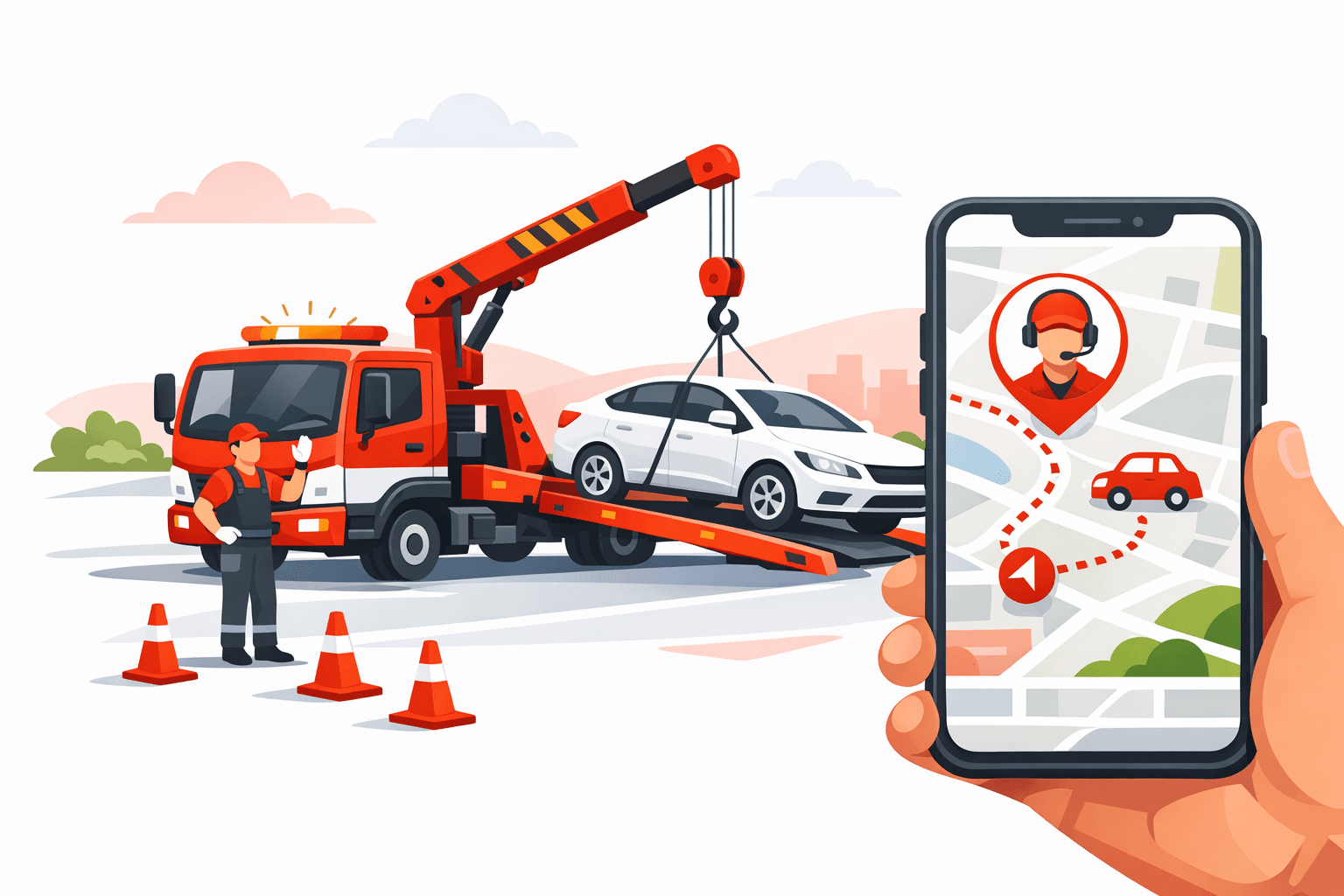
Tow truck service doesn't fit a fixed per-kilometer fare: the price depends on the vehicle type, the situation (breakdown, accident, blocked vehicle), the distance and sometimes a destination that isn't known yet. That's why Cabgo runs it by QUOTE: the customer requests the tow from their vehicle's location, describes the situation, and you or your operator send a price the customer accepts before the truck rolls out — no surprises for anyone. And since a stranded driver often doesn't yet know which shop or address they want, the destination can be set after the tow truck is already on its way. All under your brand, on your domain, with your commissions, coexisting with your other services in a single app.
01 — An app for every role
Same platform, different views depending on who uses it. Each role with its own app and features.
Cliente
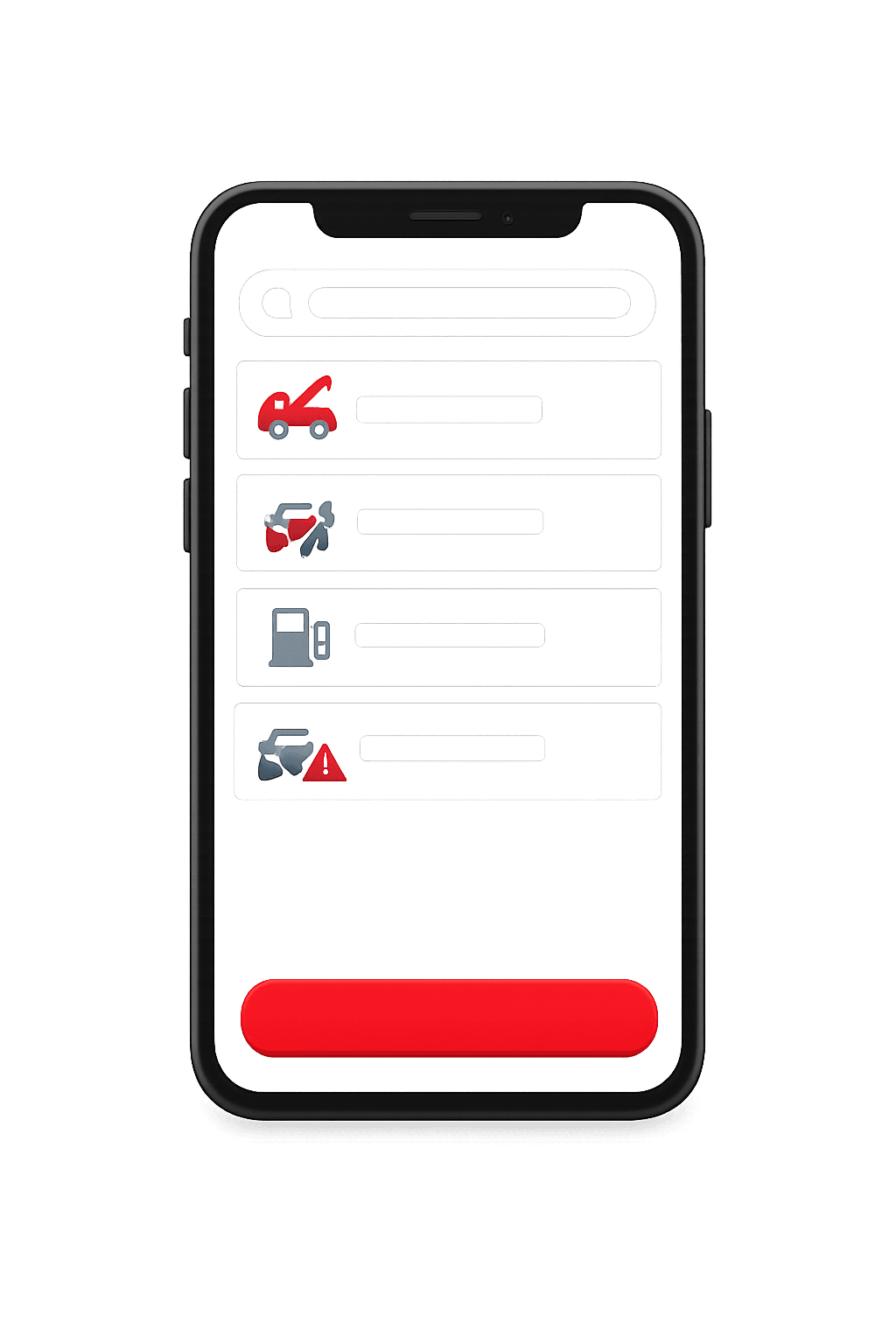
La app con la que tu cliente final pide, paga y da seguimiento.
- Explorar y buscar opciones cercanas
- Solicita en segundos desde el celular
- Pago en efectivo, tarjeta o saldo
- Seguimiento en tiempo real
- Historial, favoritos y recibos
- Calificaciones y soporte en la app
Operador
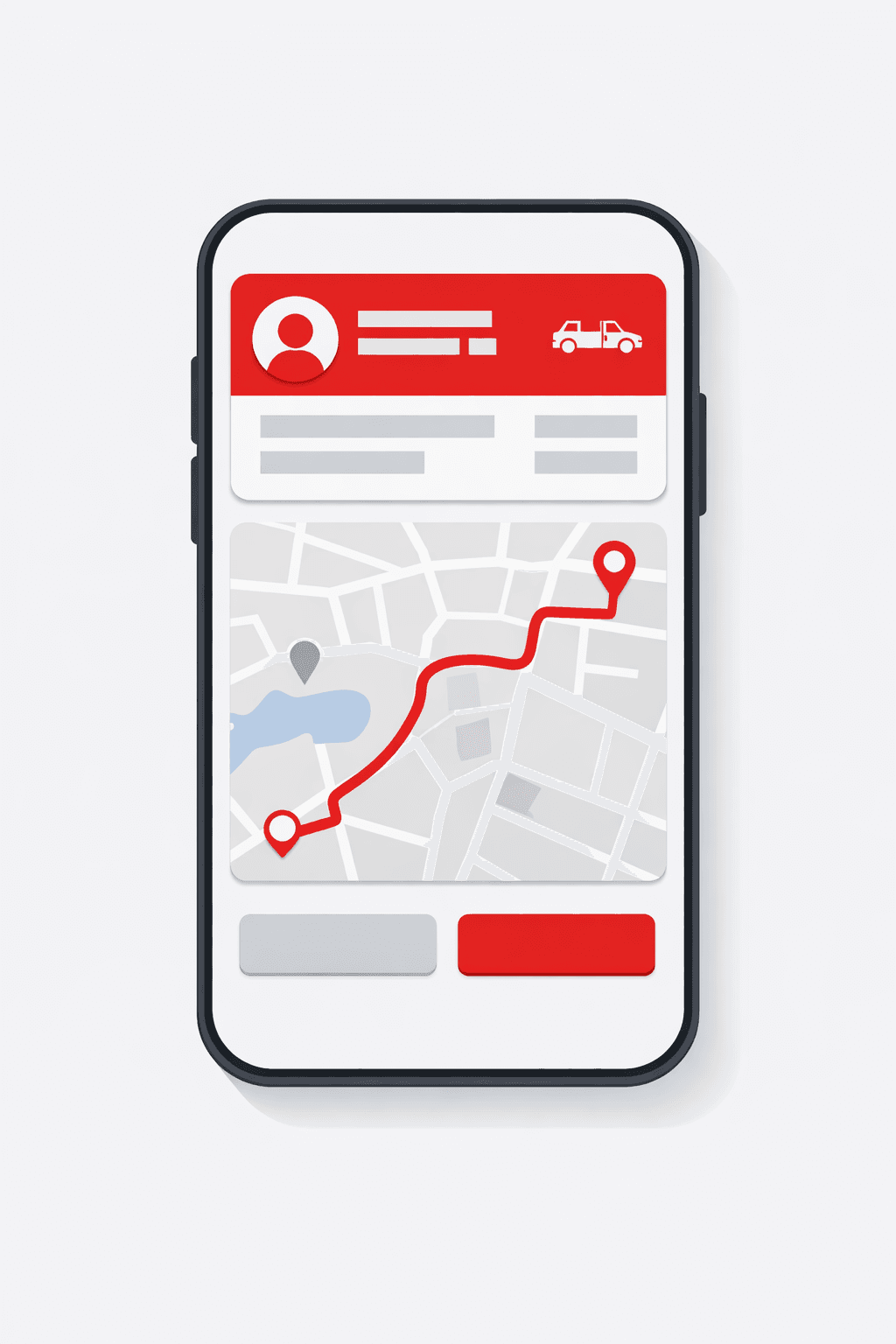
La app del operador que recibe, atiende y cobra cada solicitud.
- Recibe solicitudes cercanas al instante
- Acepta o rechaza con un toque
- Navegación y ruta óptima integrada
- Cambia tu estado (en línea / ocupado)
- Ganancias, liquidaciones y propinas
- Control de disponibilidad y horario
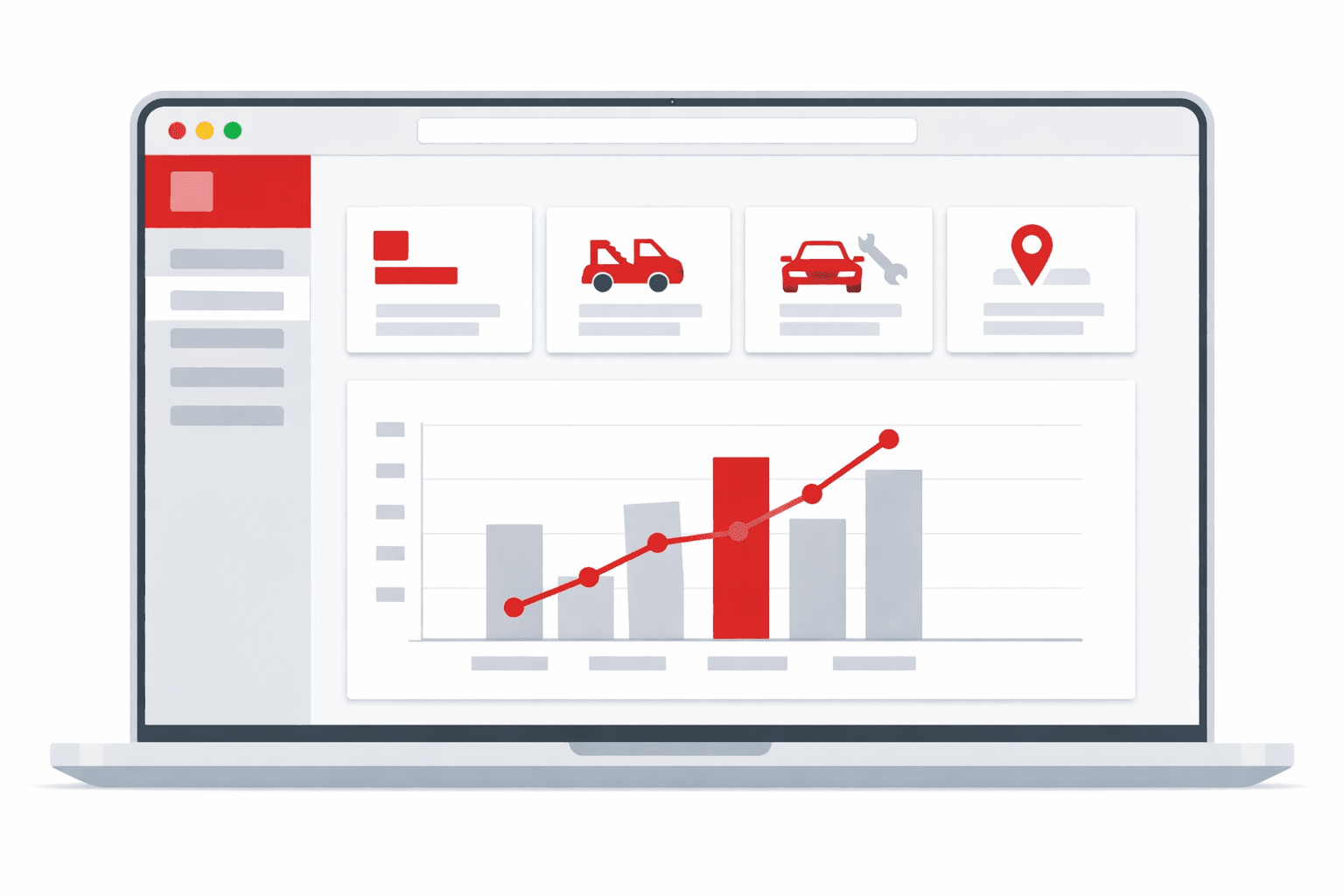
Administrador
El panel web para controlar toda la operación en un solo lugar.
- Panel de control web en tiempo real
- Usuarios, roles y permisos
- Tarifas, comisiones y métodos de pago
- Zonas, cobertura y reglas de negocio
- Métricas, reportes y exportación
- Configuración de marca y notificaciones
02 — Use cases
Roadside assistance & breakdowns
A driver is stranded by a mechanical fault or dead battery and requests a tow from wherever their vehicle ended up, without yet knowing which shop they'll go to.
Vehicle transport
Moving a car between points —from the dealership to the customer, to inspection, to a yard— with a clear quote based on distance and vehicle type.
Insurers & fleets
Companies and insurers that need on-demand tows for their policyholders or fleets, with a quote and a receipt for each service.
03 — What's included
Vehicle location now, destination later
The customer pins where their vehicle ended up and requests; the destination (shop, home, yard) can be set later, even with the tow truck already on its way.
Quote before dispatch
You or your operator send a price based on the situation and distance. The customer accepts or rejects it, and the truck only rolls out once accepted — no surprise charges.
Tow truck & vehicle types
Flatbed, hook or wheel-lift; car, SUV, motorcycle or heavy. The customer describes the situation and you quote with the right context.
Live tracking
The customer watches the tow truck approach on the map in real time and gets notifications at each stage, from rollout to vehicle delivery.
Flexible payments
Cash, card or wallet, with your gateways (Stripe / Mercado Pago / PayPal) and your per-operator commissions.
One multi-service app
Tow truck coexists with taxi, delivery, moving and your other services in the same app — the customer picks the service on open.
Coverage-zone assignment
Each emergency reaches only the tows in its area. Cuts response times and avoids offering jobs to operators that are too far away.
No-job-left-behind alerts
The operator hears a prominent alarm when a job arrives, and admins get notified if an emergency stays unassigned.
History, receipts and reports
Review every completed service and its charge, and filter by period. The customer keeps a receipt while you analyze the operation from the dashboard.
04 — Built into the platform
Real features already in production that you get from day one — and that we keep expanding every week.
Urgent sound alert
The operator gets a prominent alarm when a job comes in, even with the app in the background.
Shareable tracking link
The customer shares a live link so family can watch the tow arrive without opening the app.
Cash or digital payment
Charge the service in cash, card or multiple gateways based on what your customer prefers.
Zones and coverage
Define coverage by zone and route each emergency only to the relevant tows in that area.
Reconnect on weak signal
The app keeps retrying its connection on the road and warns when the network is unstable.
Scheduled services
Schedule transfers in advance and get clear confirmation that the job is booked.
Unattended job alert
Admins get alerted when an emergency goes minutes without an assigned operator.
Automatic reassignment
If an operator cancels before starting, the job becomes available again for another tow.
Ratings and reviews
The customer rates the assistance at the end, giving you quality control over every operator.
In-app support
Customers and operators open tickets with photos and get replies in the same conversation.
Push and WhatsApp alerts
Notify each job's status by push and WhatsApp, prioritized even in Focus mode.
Reports and export
Filter jobs and amounts by period from the dashboard to analyze your operation in detail.
05 — How it works
- 1
Enable it from your dashboard
You create a tow truck service in quote mode and define your truck and vehicle types. No code required.
- 2
Your tow operators enroll
Operators join the service from their app and start receiving requests to quote and serve.
- 3
Customer requests, you quote, the tow arrives
They request from their vehicle's location, receive your quote, accept it, and track the tow live until delivery.
06 — Why Apphive
Your brand, not ours
White-label app on iOS and Android with your name, colors and domain. Your customers never see 'Cabgo'.
Additive, not a separate product
Reuses your fleet, zones, payments and dispatch. You don't maintain two systems: tow truck is just one more service inside your operation.
Your quote, your control
You decide each service's price based on the situation and the per-operator commission. We never get between you and your customer.
Ready today, no development
You enable and configure it from the dashboard in minutes, instead of paying months of custom development.
07 — FAQ
How is a tow service charged?+
By quote. The customer describes their situation and requests from their vehicle's location; you or your operator send a price based on the truck type, vehicle and distance. The customer accepts it before the truck rolls out, so there are no surprise charges for either side.
Can I request a tow without knowing the destination yet?+
Yes. You only need to pin where your vehicle is to request. The destination —shop, home or yard— can be set later, even when the tow truck is already on its way. The quote accounts for that flexibility.
Do I need a separate app for tow trucks?+
No. Tow truck is a service inside your same Cabgo app. The customer picks 'Tow truck' on open, alongside taxi, delivery or moving. You keep one app, one fleet and one dashboard.
What happens if I reject the quote?+
Nothing is dispatched until you accept. If the quote doesn't work for you, you can reject it and the truck doesn't roll out; you or the operator can adjust the price for the situation, or the service simply doesn't proceed. The customer never pays for a service they didn't accept.
How long does it take to launch?+
Activating and configuring the service takes minutes from the dashboard. Your branded app is built and published through Cabgo's standard flow.
Can the customer share their location with a relative?+
Yes. When requesting the tow, the customer generates a live tracking link. They share it by message and the relative watches the tow approach in real time, with nothing to install and no app to open.
How are emergencies assigned to operators?+
You define coverage zones and each emergency is offered only to the relevant tows in that area. If an operator doesn't respond or cancels before starting, the job automatically becomes available to another.
Does the app work if the operator hits a low-signal area?+
Yes. The app keeps retrying the connection indefinitely and shows an unstable-connection notice with a retry option. New-job alerts arrive with a prominent sound even with the app in the background.
All in one app, with your brand
One app: combine features
It's the same app. You toggle modules from the panel and combine the capabilities you need — no separate apps and no extra development cost.




08 — Pricing
Every app includes the same capabilities. The monthly plan only sets your cost by service volume.
Monthly plans
Basic
- 300 services included/mo
- $0.05 USD per extra service
- Customer and operator apps + panel
- No limit on drivers or users
Professional
- 1,000 services included/mo
- $0.03 USD per extra service
- Customer and operator apps + panel
- No limit on drivers or users
Enterprise
- 3,500 services included/mo
- $0.02 USD per extra service
- Customer and operator apps + panel
- No limit on drivers or users
Activation trial: $12.99 USD · 100 services included/mo
App Plans (publishing)
One-time payment to build and publish your app to the stores with your brand.
Store costs (third-party accounts, not included)
To publish the app you pay each store's developer account directly to the provider: Google Play $25 USD (one-time) and Apple App Store $99 USD per year. These are Google and Apple charges, not Apphive's. If you publish on Android only, it's just the one-time $25.
Pricing synced with CabGo. May vary by region and taxes.
Launch your tow truck & roadside assistance app
Customizable with your own brand, ready to publish on the App Store and Google Play.
Create my app