 Event venues
Your venue booking app, your brand
Cabgo gives you the full app — client and dashboard — so your halls, country venues and terraces get booked by the day: each space with its capacity and price, a card deposit that truly holds the date, date blocking from the dashboard and automatic reminders on the way to the event. You set it up from the dashboard; no coding required.

An event venue sells something that can't be restocked: Saturdays. There are 52 a year, and every one lost to a 'verbally held date' that fell through two weeks before the event is revenue that no longer exists. With Cabgo every hall, country venue or terrace is a resource booked by the day: clients open your app, see the calendar with the dates that are genuinely available, pick theirs and secure it with a card deposit — the difference between a prospect and a client. Dates already sold, under maintenance or held for your own events are blocked from the dashboard and simply don't show. The app reminds clients of key dates on the way to their event, and when the day comes, their confirmation code backs up access. Your calendar of Saturdays stops depending on phone calls, notebooks and faith.
01 — An app for every role
Same platform, different views depending on who uses it. Each role with its own app and features.
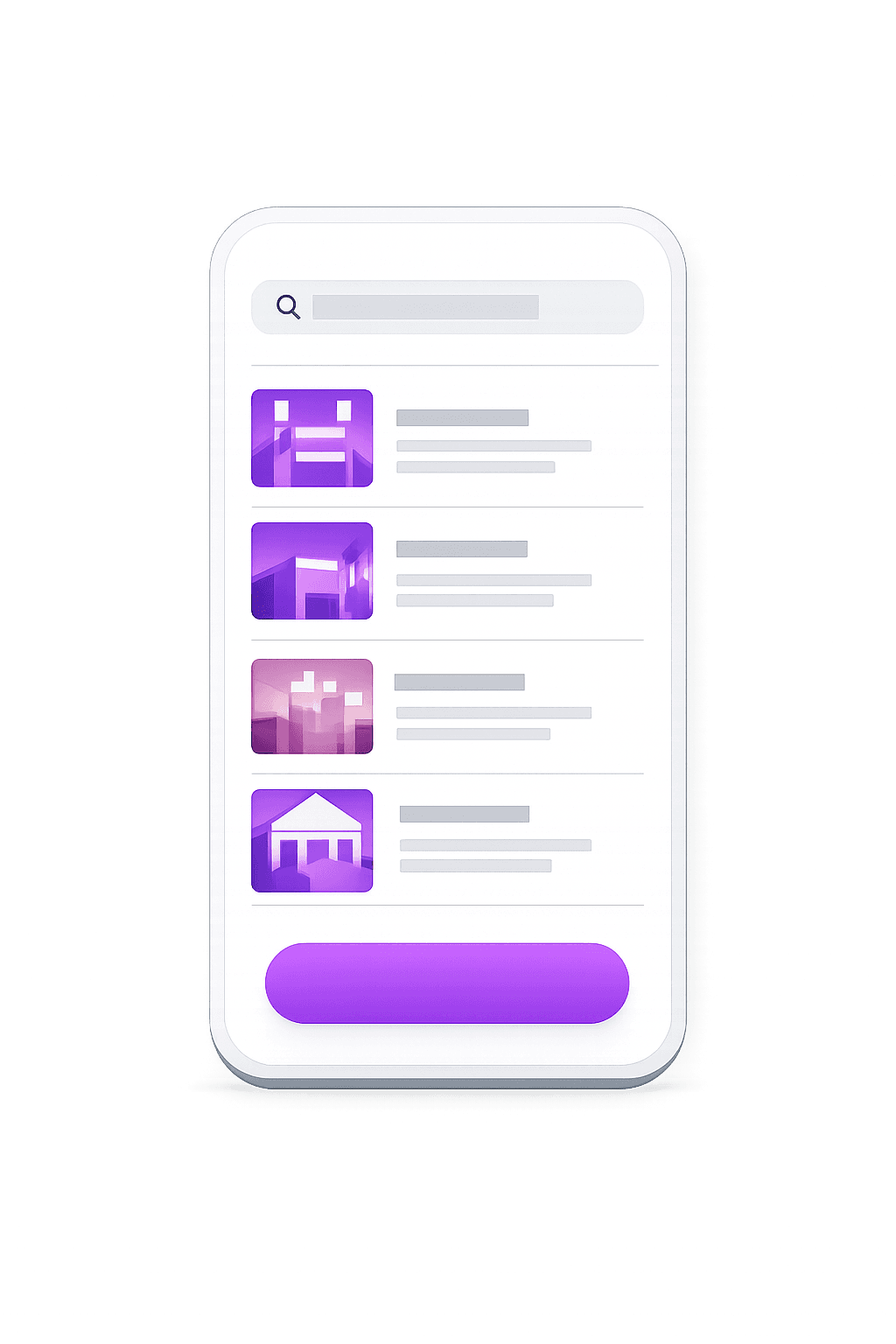
Cliente
La app con la que tu cliente final pide, paga y da seguimiento.
- Explorar y buscar opciones cercanas
- Reserva en segundos desde el celular
- Pago en efectivo, tarjeta o saldo
- Seguimiento en tiempo real
- Historial, favoritos y recibos
- Calificaciones y soporte en la app
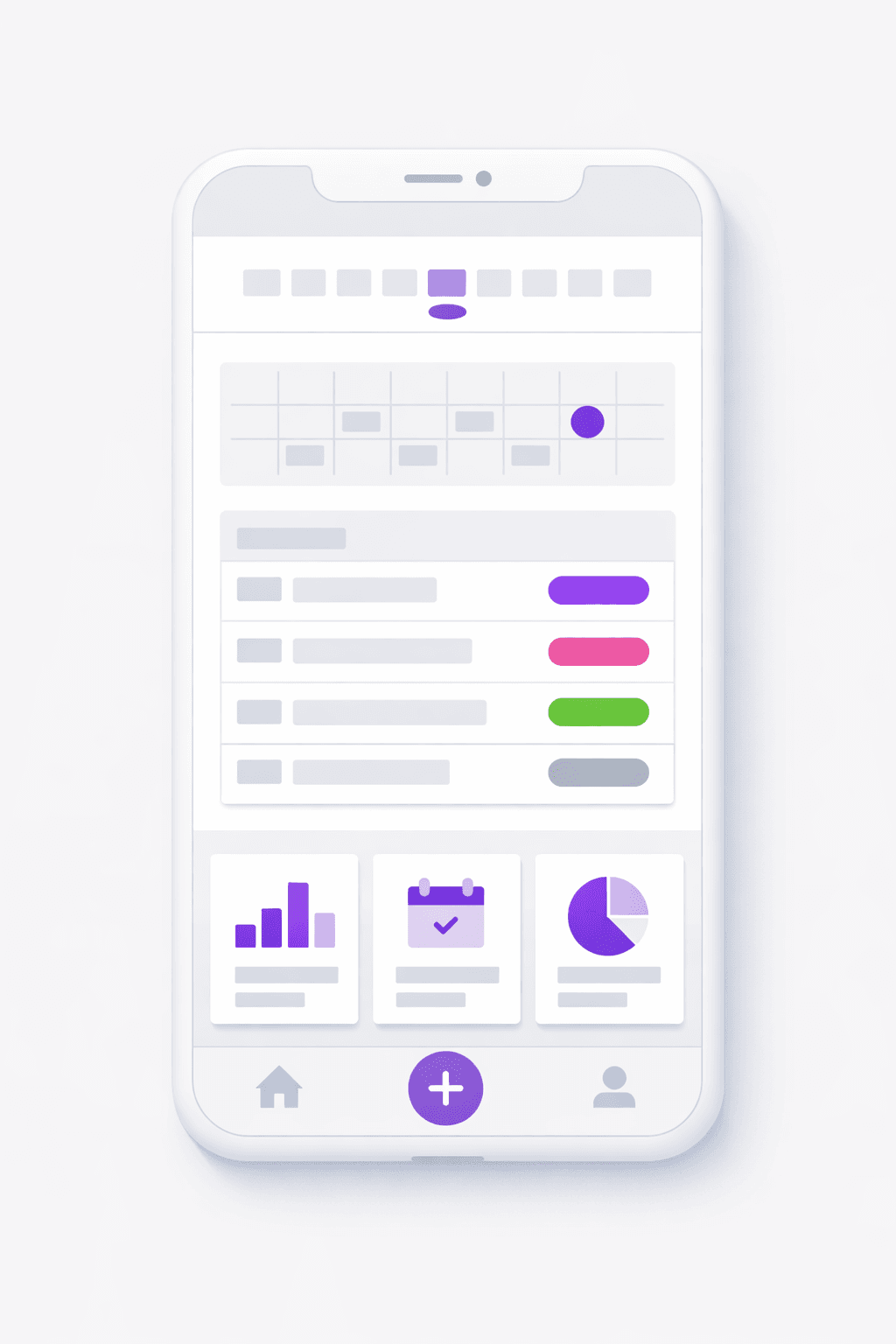
Negocio
La app del negocio para gestionar catálogo, reservas y personal.
- Catálogo, recursos y horarios propios
- Reservas entrantes en calendario
- Precios, promociones y comisiones
- Gestión de personal y permisos
- Reportes de ventas y ocupación
- Notificaciones automáticas a clientes
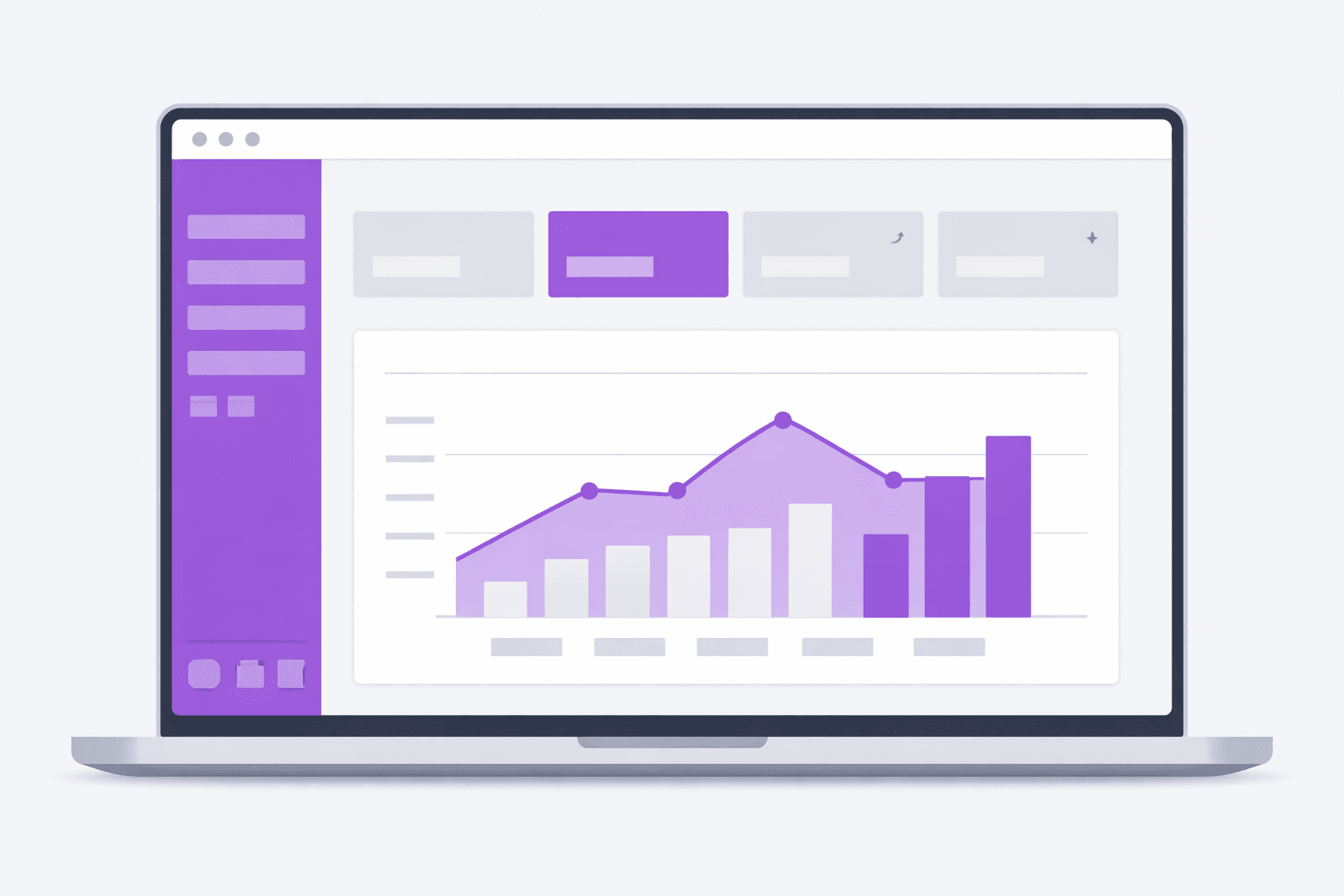
Administrador
El panel web para controlar toda la operación en un solo lugar.
- Panel de control web en tiempo real
- Usuarios, roles y permisos
- Tarifas, comisiones y métodos de pago
- Zonas, cobertura y reglas de negocio
- Métricas, reportes y exportación
- Configuración de marca y notificaciones
02 — Use cases
Party halls
City halls for quinceañeras, weddings and holiday parties, where in-season Saturdays sell out months ahead — with a deposit in between.
Country venues & gardens
Country properties and event gardens rented by the full day, with different packages per space: garden only, covered hall or the whole property.
Terraces & corporate venues
Terraces and spaces for corporate events, launches and conferences that need a formal calendar, deposits and written confirmations.
03 — What's included
Full-day bookings
Your spaces sell by date, not by hour: clients pick their day on the calendar, and the date is instantly taken for everyone else.
Card deposit
The date is held with money, not promises. Clients pay the deposit at booking, and your Saturday is secured from that moment.
Date blocking
Dates sold offline, maintenance or your own events: block them from the dashboard with an exception and they vanish from the app's calendar.
Each space, its resource and price
The 200-guest main hall, the garden with terrace, the full property: each space with its capacity, attributes and per-day price.
Live venue calendar
Your dashboard shows each space's full year: sold dates, collected deposits and open days. The question 'is June 14th free?' answers itself.
Reminders on the way to the event
The app walks clients to their date with automatic reminders, and their confirmation code backs the booking on event day.
Venue add-ons at checkout
Sell furniture, decor or extra services alongside the booking, all in a single payment.
Structured venue catalog
Organize your venues with a gallery, filterable tags and map view so the client chooses easily.
Reviews with evidence
Collect ratings with real photos and videos of the event to showcase your venue to new clients.
04 — Built into the platform
Real features already in production that you get from day one — and that we keep expanding every week.
Venue catalog
Define and manage each hall, country venue or terrace as a structured offering from the dashboard.
Gallery and tags
Each space shows off with a photo gallery, filterable tags and map view.
In-person charge in calendar
Log a client's in-person payments straight onto the booking in the calendar.
Payment status
Record each booking's charge and track its status in detail through the process.
Venue add-ons
The client buys venue extras right in the checkout when booking.
Membership with sessions
Offer packages of several events per month with an automatic usage counter.
Multi-gateway payments
Collect the deposit by card, transfer or cash depending on your market.
Unified prepaid balance
A single top-up funds notifications, WhatsApp and email campaigns.
Coupons and promotions
Create discount codes for low seasons or special packages.
Module permissions
Give each team member access only to the sections they handle.
Reviews with photo and video
Your clients leave reviews and attach photos or videos of the event.
Multi-language ES/EN/IT
The app and dashboard work in Spanish, English and Italian with no extra setup.
05 — How it works
- 1
List your spaces
Enable Bookings in the dashboard and register each hall, garden or property with its capacity, attributes and per-day price.
- 2
Configure deposits and the calendar
Define the card deposit that secures each date, and block the days already committed or out of service.
- 3
Clients lock their date
They open your app, compare spaces, pick their day from the open dates and pay the deposit. Their booking is confirmed with a code and reminders.
- 4
The big day, no surprises
The client arrives with their confirmation and you with a clear schedule: which space, which date, what was paid. Every Saturday of the year, accounted for.
06 — Why Apphive
Your brand, not ours
White-label app on iOS and Android with your name and domain. Couples and companies book directly with you, not through a directory that also lists your competitors.
Saturdays secured with money
The card deposit turns 'I'm interested' into a sold date. Last-minute fall-throughs stop killing your best days of the year.
One calendar, zero double-bookings
A date that sells — through the app or by your team in the dashboard — is instantly blocked for everyone. Selling the same Saturday twice becomes impossible.
Ready today, no development
Spaces, prices, deposits and the calendar are configured from the dashboard in an afternoon — no software project for a date-driven business.
07 — FAQ
Are bookings per day rather than per hour?+
Yes — for events, the natural unit is the date. Each space is booked by the full day: clients pick their date on the calendar and it's taken. If you also rent spaces by the hour (a meeting room, say), you can list those with their own scheme.
How does the deposit work?+
You define the amount that secures the date, and the client pays it by card at booking. The date is blocked on the calendar from that moment. The balance is handled according to your own sales policy.
Can I block dates I sold offline or don't want to rent?+
Yes. From the dashboard you add an exception to the space's calendar — a day, a weekend or a season — and those dates stop showing in the app. It's the same tool for maintenance, your own events or offline sales.
Can I rent several spaces on the same property separately?+
Yes. The covered hall, the garden and the full property can be separate resources, each with its price and calendar. You decide how they combine: if the full property sells, you block the individual spaces for that date.
How does the client keep track ahead of their event?+
Their booking lives in the app with its date, space and confirmation code, and they get automatic reminders as the day approaches. Fewer 'are we still on?' calls for your team.
Can I charge part of the event in person and log it?+
Yes. Besides the card deposit, you log in-person payments straight onto the booking in the calendar. The payment status updates in detail through the process, so you always know how much is left to settle before the event.
Can I offer packages of several events to the same client?+
Yes. You set up a membership with a number of sessions per month and the platform keeps an automatic usage counter. It is ideal for companies or repeat clients who book your venue frequently.
How do I add my team without giving them full access?+
You assign granular per-module permissions to each admin user, so each member only accesses the sections they handle. For example, whoever manages the calendar does not need to see finances or settings.
All in one app, with your brand
One app: combine features
It's the same app. You toggle modules from the panel and combine the capabilities you need — no separate apps and no extra development cost.

08 — Pricing
Every app includes the same capabilities. The monthly plan only sets your cost by service volume.
Monthly plans
Basic
- 300 services included/mo
- $0.05 USD per extra service
- Customer and operator apps + panel
- No limit on drivers or users
Professional
- 1,000 services included/mo
- $0.03 USD per extra service
- Customer and operator apps + panel
- No limit on drivers or users
Enterprise
- 3,500 services included/mo
- $0.02 USD per extra service
- Customer and operator apps + panel
- No limit on drivers or users
Activation trial: $12.99 USD · 100 services included/mo
App Plans (publishing)
One-time payment to build and publish your app to the stores with your brand.
Store costs (third-party accounts, not included)
To publish the app you pay each store's developer account directly to the provider: Google Play $25 USD (one-time) and Apple App Store $99 USD per year. These are Google and Apple charges, not Apphive's. If you publish on Android only, it's just the one-time $25.
Pricing synced with CabGo. May vary by region and taxes.
Launch your event venues app
Customizable with your own brand, ready to publish on the App Store and Google Play.
Create my app